What Is the New Visualization Form of Smart PDU Power Data?

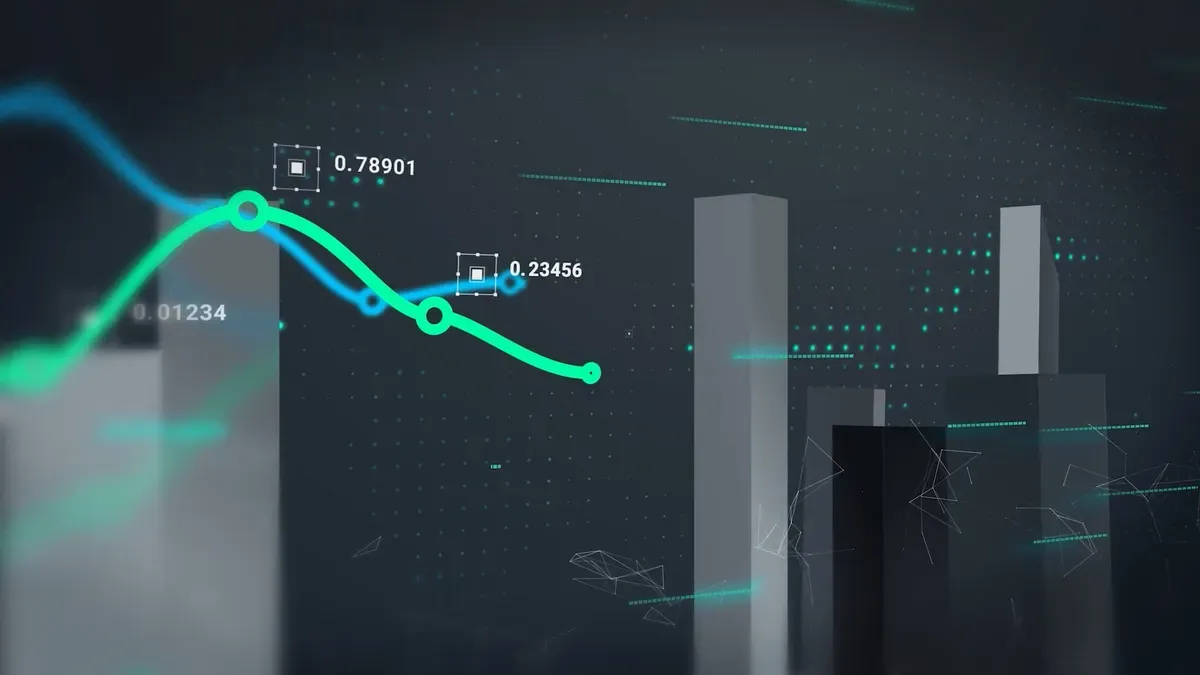
A 3D cabinet model overlaid with a real-time energy heatmap built from Smart PDU power data is a new way to visualize rack power use. The model mirrors your physical rack layout. The heatmap paints power intensity onto it in color.
You may ask a direct question: what is this view, how does it work, and why does it matter more than a traditional power display? The answer starts with the data source.
This article clarifies three things: the components that build the view, the practical benefits your team gains, and the integration path into your current monitoring setup.
Key Takeaways
A 3D heatmap shows power use in your racks with colors, making it easy to spot high power areas.
Smart PDUs measure power at the inlet, circuit, and outlet levels to give you detailed data.
The heatmap updates in real time and helps you find problems faster than traditional tables.
Use the 3D heatmap to locate issues and 2D dashboards to track trends over time.
Check that your PDUs and monitoring system can support this view before you start.
Smart PDU Data and the 3D Cabinet Model
A Smart PDU is a power strip with intelligence built in. It measures, manages, and reports device energy use in real time. That stream of data feeds the 3D cabinet model you see on screen.
Metering at inlet, outlet, and circuit level
A Smart PDU captures power data at three distinct points, and each point answers a different question. Inlet metering measures power at the PDU infeed. It tells you total rack consumption and available capacity, which helps you avoid overloading circuits and calculate PUE. Circuit-level metering watches the branch circuit breaker. It acts as an early warning system, alerting you before a breaker trips and letting you add devices with confidence. Outlet-level metering captures consumption per device. It reveals underutilized servers and supports departmental cost chargeback.
Accuracy matters at every level. Metered inlet PDUs should provide measurement accuracy of ±1% or better for reliable PUE tracking. Active energy metering typically follows IEC 62053-21 Class 1 at ±1%, while billing environments prefer Class 0.5 at ±0.5%. Raritan specifies 1% billing grade accuracy across PDUs, lines, circuit breakers, and individual outlets, which enables informed capacity planning.
Measurement Level | What It Captures | Why It Matters |
|---|---|---|
Inlet | Total rack kilowatt usage and available capacity | Prevents circuit overload and supports PUE calculation |
Circuit (branch) | Power at the circuit breaker | Warns of trip risk and supports safe expansion |
Outlet | Per-device consumption | Identifies idle servers and enables cost allocation |
Three-phase PDUs suit high-density racks by supporting larger loads. Raritan notes that 400V three-phase high-power PDUs can deliver 55kW per rack. Higher voltage runs at lower current, which reduces cable size, copper usage, and weight. Rack power demand has surged from about 5kW to 20–30kW as servers pack more densely, so three-phase systems designed for power-hungry environments become essential.
Heatmap overlay on the rack view
The 3D cabinet model represents your physical rack layout. Each server, switch, and blanking panel appears in its true position. The heatmap overlays power intensity onto that layout using color. A reading at a single outlet maps to a physical position in the 3D view, so you see exactly which unit draws the most power.
Color gradation runs from low to high energy intensity. Cleaner gradation improves accuracy, because subtle shifts become visible before they become problems. The display refreshes in real time, so the colors track live conditions rather than a stale snapshot. You gain a spatial picture of power use that a flat table cannot provide.
Key Features of the Heatmap Display
Real-time updates and color-coded intensity
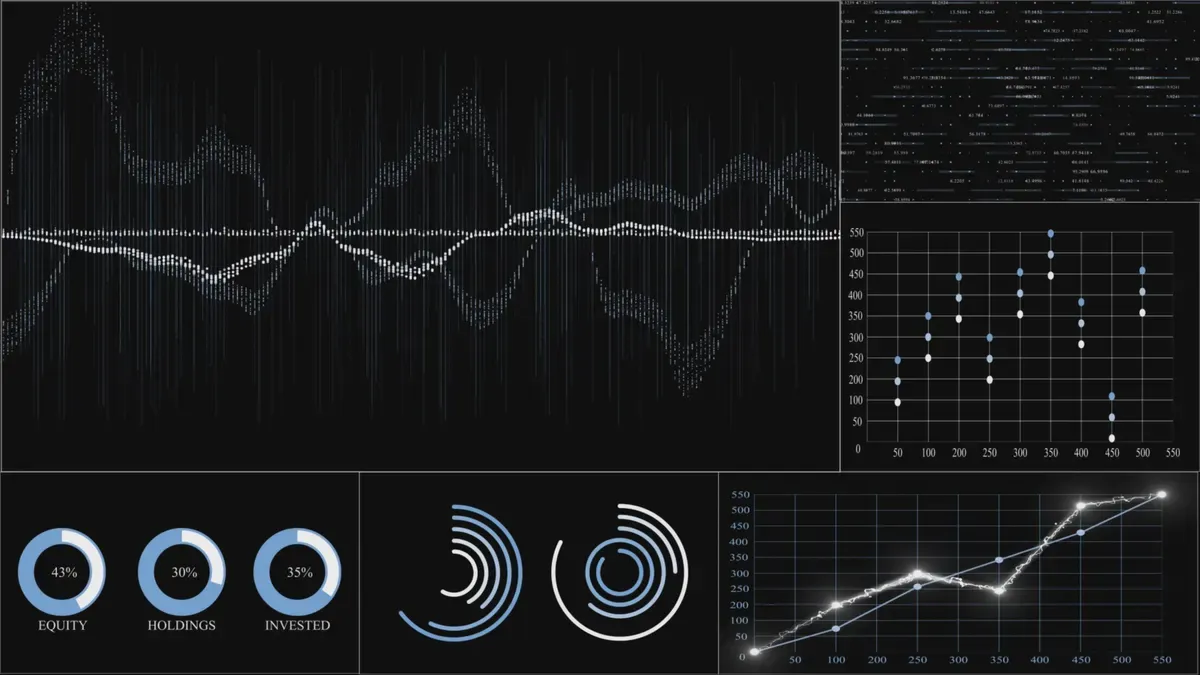
The heatmap refreshes continuously as new PDU readings arrive. You watch colors shift on the cabinet view instead of waiting for a report to regenerate. The display tracks live conditions, so a sudden load increase appears as a visible change rather than a number buried in a log.
Color gradation carries the meaning. A smooth scale moves from low to high energy intensity and preserves fine-grained differences between values. Discrete color buckets collapse those differences, so two outlets with meaningfully different loads can look identical. The Power BI Heatmap Visualization Guide makes this point directly: a gradient shows that a value of $4.2M differs from $3.8M, even when a rule-based scheme would paint both the same green. For power data, that distinction matters because a modest rise today often precedes a larger one tomorrow.
Choose the scale to match the data. Sequential scales suit magnitude-only readings, while diverging scales fit above-or-below-target metrics. Avoid rainbow scales, which lack perceptual ordering and can mislead viewers. Cap extreme values or use percentile-based measures, because one outlier can compress the whole scale until every other cell looks the same. Test the view in grayscale and keep text contrast at 4.5:1 or better. Avoid red-green as the only differentiator, since roughly 8% of male users have color vision deficiency.
Spatial mapping from outlet to cabinet
Each outlet reading maps to a physical position in the 3D view. You assign the outlet to a rack unit during setup, and the model places the color at that location. A hot outlet therefore appears at the exact server it feeds, not in a separate table row.
This mapping turns raw numbers into location. You see which rack, which unit, and which device draws the most power. When a color intensifies, you know where to walk and what to check.
Practical Benefits for Data Center Teams
Faster anomaly detection
A heatmap gives you situational awareness that a spreadsheet cannot match. You see power use in its physical context. A rack that draws heavy load sits right next to a rack that idles. That contrast becomes obvious at a glance, and you understand the room as a whole rather than as a list of readings.
Color shifts reveal hotspots and overloads faster than tables. A table lists numbers in rows, and you must scan each row and compare values in your head. A heatmap turns the same data into a visual signal. A deepening color pulls your eye to the problem unit before you read a single figure. A slow rise over hours can hide in a table of similar numbers, yet it shows as a gradual color change on the model. When a circuit approaches its limit, the color intensifies and warns you early. You can then check the device, rebalance the load, or schedule maintenance before a breaker trips.
Outlet-level metrics sharpen this picture. Per-device power contribution, abnormal demand, and unexpected consumption all feed the view. A server that suddenly draws more power than its neighbors stands out in color. You spot irregular or shifting demand patterns without running a report. Environmental metrics add context for high-density racks. Temperature and humidity readings from external sensors sit alongside power data, so you can link a hot spot to a cooling problem.
Better capacity planning
Historical and live load views support load balancing and capacity decisions. You compare current draw against past trends. You see which racks have headroom and which run near their limit. That evidence guides where you place the next server.
Real-time monitoring supports capacity planning through continuous visibility into power, cooling, space, and network infrastructure. You keep capacity headroom instead of discovering a shortfall during deployment. DCIM software flags circuits approaching capacity and other drift. It also tracks PUE, the ratio of total facility power to IT equipment power, against targets of roughly 1.3–1.6 for air-cooled sites and ≤1.3 for liquid-cooled sites.
Utilization trends tell you when to buy more infrastructure. You stay ahead of the demand curve and keep the site efficient. Modern DCIM budgets power capacity at every hop in the power chain with automatic calculations. That removes manual effort and human error. You also get a real-time view of available space, budgeted power, weight, available rack units, and ports at every rack. Real-time data even enables just-in-time reservations of space, power, and connectivity across multiple users and projects. You can forecast adds and decommissions, including remaining days of capacity, so purchases happen before you run out.
A Smart PDU supplies the measurement data behind these decisions. Voltage, current, power, energy consumption, and load percentage establish actual rack draw rather than nameplate ratings. Load distribution across A/B power paths reveals uneven loading. Available capacity for future deployment shows whether a rack can take more equipment. Tracking power consumption trends and forecasting days of capacity remaining signals well in advance when you must purchase more capacity. Monitoring breaker utilization and UPS load factor prevents overloads, bottlenecks, and underutilization.
Smart PDU Integration with ESTEL
ESTEL's Smart Power Distribution Unit offers remote management, an LCD for real-time monitoring, surge protection, and a dehumidifying function. You can choose configurations with 8 to 19 outlets, and the unit supports a maximum input current of 16A. These features give you the metering and control layer that a 3D heatmap depends on.
Technical requirements and connectivity
Three technical needs must be met before the heatmap view works. First, the PDU needs network connectivity. An Ethernet port connects the unit to your data center network and carries readings to the monitoring platform. Second, the platform needs a data collection path. SNMP polling, SNMP traps, or a REST API move voltage, current, power, and environmental readings from the PDU into your software. Third, you need a platform that renders the 3D cabinet model and maps each outlet reading to its physical position.
Technical Requirement | Purpose |
|---|---|
Outlet-level current and power metering | Feeds granular load data for waste identification and workload placement |
REST API or SNMP integration | Enables programmatic data exchange and central management |
Threshold-based alerting and remote outlet switching | Supports proactive response and remote control |
Tenant-level reporting | Enables chargeback billing in colocation environments |
Secure administration matters too. Look for SNMPv3, HTTPS, and SSH for management, plus Syslog and NTP for logging and time sync. Documented SNMP MIBs and open APIs keep integration with your existing tools straightforward.
Fitting into DCIM workflows
An intelligent PDU with a DCIM solution gives you a single-pane-of-glass view of real-time power data. That view unifies power, cooling, environmental, and IT asset data in one interface. It replaces disparate tools and manual spreadsheets that cannot keep pace with real-time demands.
The PDU joins the same alert pipeline as your switches, UPS systems, and environmental sensors. A threshold breach triggers an email, an SNMP trap, or a Syslog message through the channel you already watch. This silo reduction improves response times. Routine operations such as maintenance scheduling, incident management, and capacity planning also run through one cohesive system. When you select a Smart PDU, prioritize support for your existing DCIM and network monitoring tools, accurate current and power measurement, and configurable alarm thresholds.
3D Heatmaps vs. 2D Dashboards
These two views serve different jobs, and your team benefits from both. A 3D heatmap shows you where power use sits in physical space. A 2D dashboard shows you how values move over time and when they cross a limit. Treat them as complementary tools rather than rivals.
Where 3D heatmaps add value
Spatial context is the strength of the 3D view. You zoom from a room overview down to a single rack unit and compare live readings against historical trends in the same scene. You no longer juggle flat diagrams and scattered charts. A color-coded map lets you interpret rack power, temperature, and humidity at a glance, and it gives you a centralized perspective with in-depth exploration of the full power chain.
Presenting power and environmental data through color-coded maps lets users interpret information effortlessly, offering a centralized perspective with in-depth exploration of rack power consumption, temperature, and humidity from distributed sensors.
Physical hotspot location is the second gain. When a rack metric breaches a preset threshold, a color change on the affected rack or U-space isolates the area. That cue directs your team to the exact row, rack, and unit before an incipient issue becomes a major failure. Three-dimensional temperature mapping also reveals hotspots forming anywhere in the room void, which a flat floor map cannot localize in vertical space. A virtual walkthrough lets you rotate and inspect racks from anywhere, so remote staff see live per-rack loads in context.
Where 2D dashboards fit best
Trend charts remain a 2D strength. Line charts show how a metric changes across days, weeks, months, or years, and historical views help you diagnose root causes and forecast future failures. A heatmap shows the present state well; a line chart shows the direction of travel.
Alarms and quick numeric checks also suit the flat view. Operational dashboards with large status indicators surface live alarms immediately, and threshold-based notifications sit alongside updating trend lines. When you need one exact reading, a table or KPI tile delivers it faster than any model. Keep both views in your toolkit: use the 3D heatmap to find the problem, and the 2D dashboard to track it.
A 3D cabinet model overlaid with a real-time energy heatmap turns Smart PDU power data into a spatial picture of your racks. The chain runs from metering at the inlet, circuit, and outlet, through the 3D model, to color-coded intensity on screen. You gain faster anomaly detection, better capacity planning, and clearer situational awareness.
The 3D heatmap and the 2D dashboard complement each other. One locates the problem in physical space; the other tracks trends and alarms over time.
Your next step is practical: confirm that your existing PDU data and monitoring platform can support this view before you plan a rollout.
FAQ
What data does the heatmap need to work?
It needs metered power readings from your Smart PDU at the inlet, circuit, and outlet levels. Each outlet reading must map to a physical rack position. The platform then paints those values onto the 3D cabinet model as color intensity.
Do I need three-phase PDUs for this view?
Not always. Three-phase PDUs suit high-density racks because they support larger loads. Standard racks can run on single-phase units. The heatmap works with either type, as long as the PDU reports metered data your platform can collect.
What hardware and software does integration require?
You need a networked Smart PDU, a data collection path such as SNMP or a REST API, and a platform that renders the 3D model. ESTEL's Smart PDU adds remote management, an LCD, surge protection, and a dehumidifying function, with 8 to 19 outlet configurations and a 16A maximum input current.
Does the 3D heatmap replace my 2D dashboards?
No. The two views serve different jobs. The 3D heatmap locates hotspots in physical space. The 2D dashboard tracks trends, alarms, and quick numeric checks. Keep both in your toolkit and use each for what it does best.
How do I start with my current setup?
Check three things first. Confirm your PDUs report outlet-level data. Confirm your monitoring platform accepts that data through SNMP or an API. Confirm the platform can render a 3D cabinet model. If any piece is missing, plan for it before rollout.
See Also
Understanding ESTEL PDUs And Their Function In Data Center Cabinets
Solar Energy Storage Power System Designed For Telecom Cabinets
ESTEL Smart Microgrid Integrated Energy Storage System For Telecom Cabinets
An Overview Of The ESTEL Telecom Cabinet Power System
Simple Methods For Organizing Cables In Data Center Cabinets
CALL US DIRECTLY
86-13752765943
3A-8, SHUIWAN 1979 SQUARE (PHASE II), NO.111, TAIZI ROAD,SHUIWAN COMMUNITY, ZHAOSHANG STREET, NANSHAN DISTRICT, SHENZHEN, GUANGDONG, CHINA
