Firmware Rollback Mechanism of Smart PDUs: Restore Original Version Within 30 Seconds After Upgrade Failure

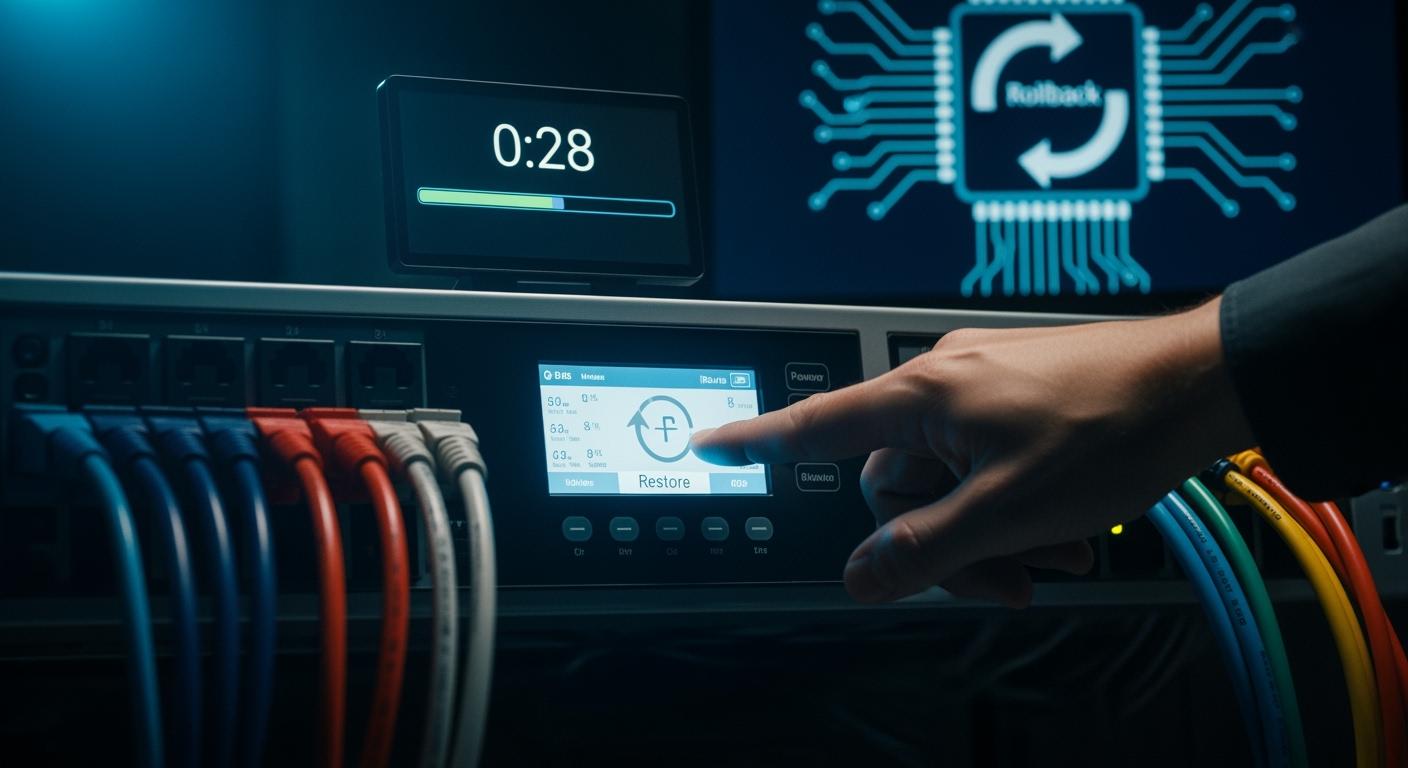
You rely on your Smart Power Distribution Unit to keep your network running without interruption. ESTEL gives you the confidence that, after a failed firmware upgrade, you can restore the original version in just 30 seconds.
If the new firmware fails to boot, the system automatically switches back to the last working version. This approach ensures your telecom cabinet stays online, even if an update fails.
Strategy | Description | Advantages |
|---|---|---|
Maintains two firmware versions, allowing for quick reversion. | Reduces the risk of corruption and ensures a stable operational state. | |
Power Loss Protection | Utilizes backup power during firmware updates. | Ensures updates can complete even in the event of power loss. |
Atomic Writes | Each firmware write completes before the next begins. | Minimizes the risk of incomplete updates and device failure. |
Key Takeaways
ESTEL Smart PDUs can restore the original firmware within 30 seconds after a failed upgrade, ensuring minimal downtime.
The dual-bank firmware storage system allows for quick reversion to a stable version, reducing the risk of device failure.
Automated failure detection monitors system health in real time, providing alerts for quick responses to potential issues.
Power loss protection ensures updates complete safely, preventing data corruption during firmware upgrades.
Regularly review system logs and notifications to maintain optimal performance and support future troubleshooting.
Firmware Rollback in Smart Power Distribution Units

How Rollback Works
You depend on your Smart Power Distribution Unit to deliver consistent power and maintain uptime in critical environments. Firmware upgrades can introduce new features or security patches, but sometimes an update may fail due to network interruptions, corrupted files, or unexpected power loss. In these situations, a reliable rollback mechanism becomes essential.
A rollback mechanism allows your Smart Power Distribution Unit to revert to the last known stable firmware version if the new update fails. This process protects your equipment from prolonged downtime and ensures that your network infrastructure remains operational. ESTEL integrates this feature into its design, so you can trust that your system will recover quickly and automatically after an unsuccessful upgrade.
The importance of this mechanism cannot be overstated. In telecom and data center environments, even a few minutes of downtime can disrupt services and impact business operations. By enabling rapid restoration, ESTEL helps you maintain service continuity and avoid costly interruptions.
ESTEL’s Fast Restoration Process
ESTEL’s Smart Power Distribution Unit uses a streamlined rollback process that restores the original firmware version within 30 seconds after a failed upgrade. This fast restoration relies on advanced hardware and intelligent software controls. Here’s how the process unfolds:
You start with a rollback plan in place, ensuring that the system can revert to a stable firmware version if any issues occur during the upgrade.
The unit stores both the current and previous firmware versions, so the inverter supports rollback-safe updates.
If the new firmware fails to boot or passes validation checks, the system automatically triggers the revert function.
You can also use the remote management platform to initiate a rollback command if needed.
The Smart Power Distribution Unit monitors the process and confirms a successful reversion to the prior state, all within 30 seconds.
After restoration, you can conduct a root cause analysis to understand why the update failed and plan future upgrades more effectively.
Tip: The automatic revert function activates only when the system detects a failed boot or critical error during the upgrade. This ensures that the rollback process does not interfere with successful updates.
This robust approach gives you peace of mind. You know that your Smart Power Distribution Unit will always return to a stable state, even if an upgrade encounters problems. The combination of dual firmware storage, automated detection, and remote management makes the restoration process both fast and reliable.
Technical Features for Reliable Rollback
Dual Firmware Storage
You need a system that can handle firmware updates without risking downtime. Dual firmware storage provides this assurance. The dual-bank architecture keeps one firmware bank active while the other acts as a staging area. When you initiate an update, the new firmware loads into the staging bank. The Smart Power Distribution Unit then runs health checks during a trial period. If the new firmware works as expected, the system marks it as stable. If any issue arises, the unit automatically switches back to the previous version. This approach reduces the risk of device failure and ensures your network remains operational.
Automated Failure Detection
You benefit from automated failure detection because it monitors your system in real time. The Smart Power Distribution Unit tracks temperature, humidity, and power usage. This monitoring allows for quick responses to abnormal changes. You receive automated alerts that highlight inefficiencies or potential problems. Proactive maintenance becomes easier, as the system provides regular updates and security patches. These features help you address issues before they escalate, keeping your equipment reliable and safe.
Automated monitoring tracks environmental and operational parameters.
Proactive maintenance reduces risks during firmware upgrades.
Automated alerts provide timely reports for quick action.
Firmware Validation
You want to trust that every firmware update is safe. Firmware validation ensures that only verified and intact firmware runs on your device. The Smart Power Distribution Unit checks the integrity of the firmware before activation. If the validation fails, the system prevents the new firmware from running and reverts to the last stable version. Surge protection further enhances reliability by safeguarding your equipment from electrical disturbances during the update process. Remote management features let you oversee updates and rollbacks from anywhere, adding another layer of control and confidence.
Tip: Always verify the status of your firmware after each update to maintain optimal performance.
Safety and Reliability in ESTEL Smart PDUs
Power Loss Protection
You need assurance that your equipment stays safe during every firmware update. ESTEL designs the Smart Power Distribution Unit with power loss protection. This feature uses backup power to maintain system stability if the main supply fails during an upgrade. You avoid unexpected interruptions and prevent data corruption. Secure verification checks confirm that the rollback process completes successfully. You gain confidence knowing your system will revert to the original firmware even if power fluctuates.
Note: Backup power and secure verification work together to protect your equipment during critical operations.
User Notifications
You receive clear notifications throughout the firmware rollback process. ESTEL Smart Power Distribution Unit sends alerts to your remote management platform. You see real-time status updates, including rollback initiation, progress, and completion. These notifications help you respond quickly to any issues. You stay informed about every step, which supports efficient troubleshooting and reduces downtime.
Real-time alerts keep you updated.
Status messages confirm successful restoration.
Remote management lets you monitor from anywhere.
System Logging
You benefit from detailed system logging. ESTEL records every rollback event, including timestamps, error codes, and restoration outcomes. You access these logs through the management interface. Transparent logging helps you track system performance and identify patterns. You use this information to improve future maintenance and ensure compliance with international standards like ISO9001.
Log Entry | Description |
|---|---|
Timestamp | Date and time of event |
Error Code | Reason for rollback |
Outcome | Restoration status |
You rely on ESTEL’s robust design and strict quality control. The Smart Power Distribution Unit meets international standards, giving you reliable performance in demanding environments.
Rollback Scenario Example
Failed Upgrade Walkthrough
Imagine you initiate a firmware upgrade on your Smart Power Distribution Unit during routine maintenance. You expect the process to complete smoothly. Suddenly, the upgrade fails because the network connection drops. The unit displays an error message on the LCD screen. You notice that the system cannot boot with the new firmware. You realize that your equipment faces a risk of downtime. You need a solution that restores service quickly.
The rollback mechanism activates automatically when the system detects a failed boot. You do not need to intervene manually. This feature protects your critical infrastructure and ensures operational continuity.
Automatic Rollback Steps
You watch as the Smart Power Distribution Unit begins the rollback process. The system follows a clear sequence:
The unit identifies the failed firmware and triggers the rollback function.
The device switches to the backup firmware stored in the dual-bank architecture.
The system validates the integrity of the backup firmware.
The unit reboots using the original firmware version.
The LCD screen confirms successful restoration.
You see that the entire process completes within 30 seconds. You avoid prolonged downtime and maintain power distribution to your network equipment.
Verifying Restoration
You want to confirm that the rollback succeeded. You check the management interface for status updates. The system logs display the rollback event, including the timestamp and error code. You review the firmware version shown on the LCD screen. You verify that the unit operates with the original firmware. You receive a notification confirming restoration. You feel confident that your Smart Power Distribution Unit remains reliable and secure.
Step | Action Taken | Confirmation Method |
|---|---|---|
Rollback Initiated | System detects failure | LCD error message |
Firmware Restored | Switches to backup version | LCD status update |
Restoration Logged | Event recorded | Management interface log |
User Notified | Notification sent | Remote alert |
Tip: Always review system logs and notifications after a rollback. This practice helps you maintain accurate records and supports future troubleshooting.
Troubleshooting and Best Practices
Common Issues
You may encounter a few challenges when managing firmware updates. Power loss during rollback can cause concern, but ESTEL’s backup power system protects your device. If you see an error message on the LCD screen, check the system logs for details. Sometimes, network interruptions can disrupt the upgrade process. You should always verify that your network connection remains stable before starting an update. If the Smart Power Distribution Unit does not respond after an upgrade, use the remote management platform to check device status and initiate a rollback if necessary.
Tip: Always keep a record of error codes and event timestamps. This practice helps you identify patterns and resolve issues faster.
Confirming Firmware Version
You need to confirm the firmware version after every update or rollback. The LCD display shows the current firmware version during startup. You can also access this information through the remote management interface. For added assurance, review the system logs, which record every firmware change with a timestamp. If you notice any discrepancies, contact ESTEL technical support for guidance.
Method | How to Check |
|---|---|
LCD Display | View version at startup |
Remote Management | Access firmware details |
System Logs | Review event records |
Maintenance Tips
You can maintain optimal performance by following a few best practices:
Schedule firmware updates during low-traffic periods.
Back up configuration files before starting any upgrade.
Monitor environmental conditions, such as temperature and humidity, to prevent hardware stress.
Review system logs regularly to spot unusual activity.
Train your team on rollback procedures and remote management tools.
Note: Consistent maintenance ensures long-term reliability and reduces the risk of unexpected downtime.
You gain speed, reliability, and safety with the firmware rollback mechanism in ESTEL Smart Power Distribution Unit. This feature protects your network from downtime and ensures operational continuity. Choosing ESTEL gives you advanced power management for critical telecom and data center environments.
Smart PDUs enhance efficiency by reducing energy waste.
Proactive alerts and remote control improve uptime.
Quick responses to power issues minimize downtime.
Feature | Benefit |
|---|---|
Real-time monitoring | Early detection of issues and reduced downtime |
Remote management | Fast troubleshooting from anywhere |
Environmental sensors | Prevention of equipment failures |
Load balancing insights | Consistent power distribution and operational continuity |
You maintain optimal performance by scheduling updates, monitoring conditions, and reviewing system logs regularly.
FAQ
How do you initiate a firmware rollback on an ESTEL Smart PDU?
You do not need to take manual action. The system detects a failed upgrade and automatically starts the rollback process. You can also use the remote management interface to trigger a rollback if necessary.
What happens if power fails during a firmware update?
ESTEL Smart PDUs use backup power to protect the update process. If power fails, the device completes the rollback safely. You avoid data corruption and maintain system stability.
How can you confirm the firmware version after rollback?
You can check the firmware version on the LCD display during startup. You may also view detailed version information and event logs through the remote management platform.
Does the rollback feature affect your device’s warranty?
No, using the automatic rollback feature does not void your warranty. ESTEL designs this function to protect your equipment and ensure reliable operation.
See Also
Effective Techniques for Enhancing Security in Communication Cabinets
Safeguarding Outdoor Communication Cabinets Through Intelligent Upkeep
Temperature Compensation for Communication Cabinet Power: More Than Just Temperature
Understanding Materials and Warranty for ESTEL Telecom Cabinets
Guide to Installing and Caring for Smoke Sensors in Cabinets
CALL US DIRECTLY
86-13752765943
3A-8, SHUIWAN 1979 SQUARE (PHASE II), NO.111, TAIZI ROAD,SHUIWAN COMMUNITY, ZHAOSHANG STREET, NANSHAN DISTRICT, SHENZHEN, GUANGDONG, CHINA
