Mixed Socket Configuration of Smart PDUs in Telecom Cabinets: Compatible Layout for New/Old Devices

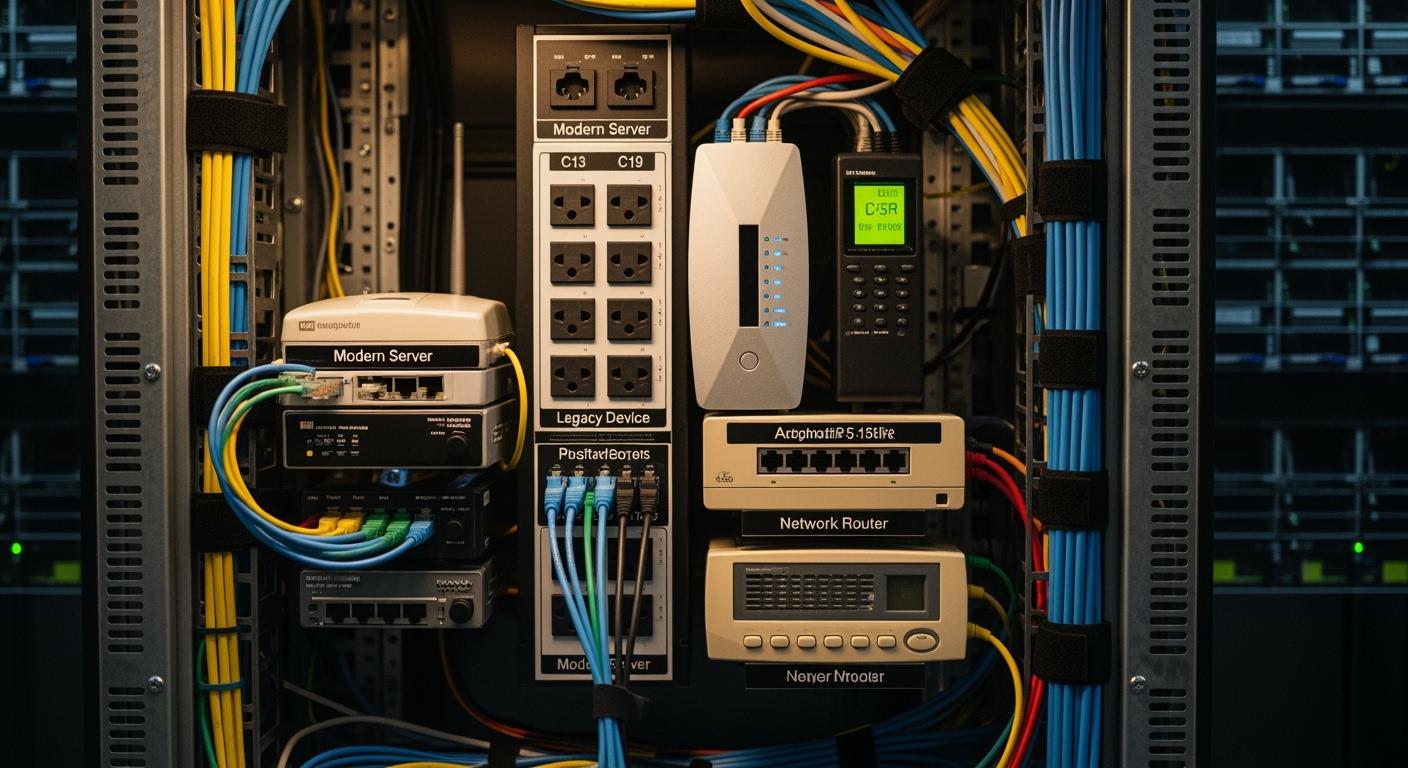
You often face the task of powering a mix of legacy and modern devices in telecom cabinets. Compatibility and efficiency matter when you manage diverse equipment. Mixed socket configurations play a key role, especially with a Smart Power Distribution Unit that adapts to various device needs. ESTEL stands out as a leader in telecom infrastructure solutions. You can see their strong market share in the table below:
Category | Market Share |
|---|---|
Application Market | |
Outdoor Cabinets | 60% |
Indoor Cabinets | 40% |
You gain practical advantages when you choose ESTEL for reliable power distribution.
Key Takeaways
Mixed socket configurations in Smart PDUs allow seamless connections between legacy and modern devices, eliminating the need for adapters.
Flexible power integration helps you customize and scale your telecom cabinet layout, ensuring efficient operation as your network grows.
Smart Power Distribution Units offer real-time monitoring and remote management, allowing you to respond quickly to power issues and reduce downtime.
Upgrading to a Smart PDU can enhance energy efficiency, protect your equipment from surges, and extend the lifespan of both old and new devices.
Planning and assessing your power needs before deployment ensures reliable performance and helps avoid overloading your power distribution unit.
Compatibility with Mixed Sockets
Supporting Legacy and Modern Devices
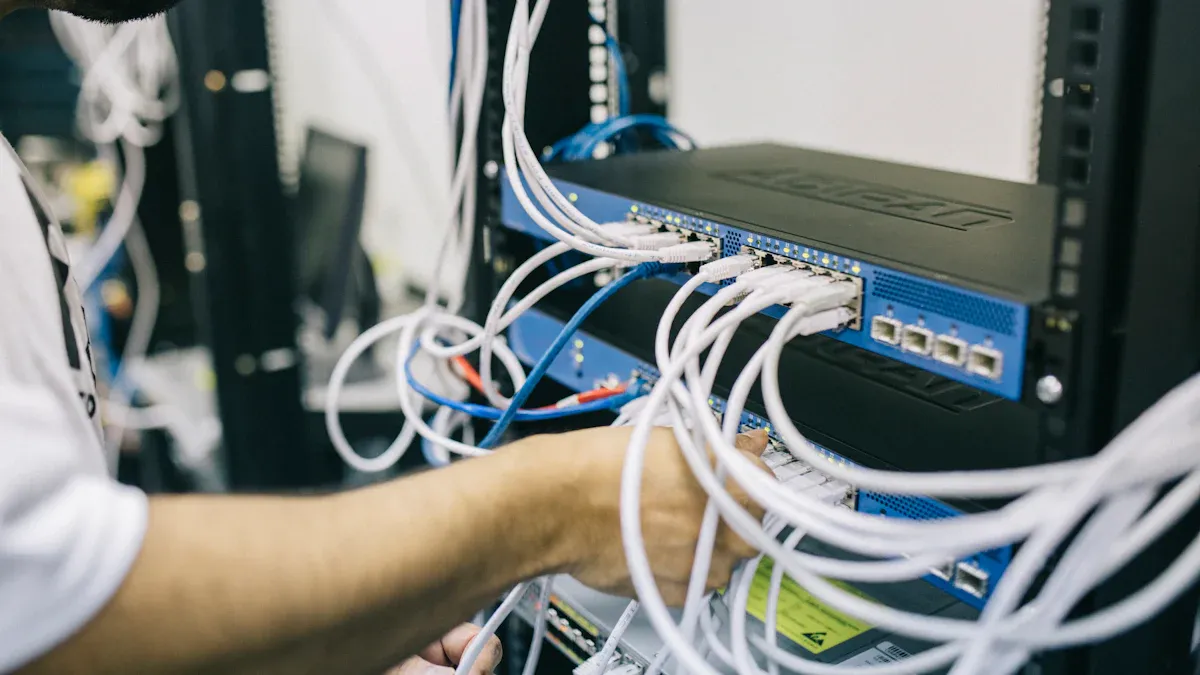
You often work with telecom cabinets that house both older and newer devices. Mixed socket configurations in Smart Power Distribution Units help you connect these devices without hassle. You do not need adapters or rewiring. This setup lets you upgrade your equipment while keeping your existing infrastructure intact.
Mixed socket PDUs allow seamless connections between legacy and modern telecom devices. You can maintain an organized cabinet and avoid downtime during upgrades.
You find several common socket types in telecom cabinets. These outlets support a wide range of equipment:
NEMA 5-15R
NEMA 5-20R
NEMA L5-30R
NEMA L6-30R (North America)
IEC C13
IEC C19
IEC C20 (global standards)
You see that mixed socket configurations accommodate both legacy and modern equipment. You do not need to invest in costly adapters. You can keep your network running efficiently.
You may face challenges when integrating legacy devices with modern PDUs. Older networks often lag behind current technology. Repairs and patches can increase packet loss. Traditional upgrades require complex rewiring and extended downtime. Mixed socket PDUs help you avoid these issues and keep your operations smooth.
Flexible Power Integration
You need flexible power solutions to support evolving telecom needs. Mixed socket PDUs offer you the ability to customize and scale your cabinet layout. You can connect routers, switches, and new devices without changing your entire setup.
Feature | Description |
|---|---|
Compatibility | Supports both legacy devices (routers, switches) and new equipment with mixed socket types. |
Operational Efficiency | Reduces downtime and enhances efficiency through seamless integration of diverse devices. |
Flexible Layout | Allows customization and scaling as telecom needs evolve, accommodating various power setups. |
You benefit from flexible power integration. You can adapt your cabinet as your network grows. You maintain efficiency and reduce downtime. You keep your infrastructure organized and ready for future upgrades.
You see that mixed socket PDUs provide a practical solution for telecom professionals. You can support both old and new devices. You can optimize your cabinet layout and ensure reliable power distribution.
What Is a Smart Power Distribution Unit?
Key Features and Functions
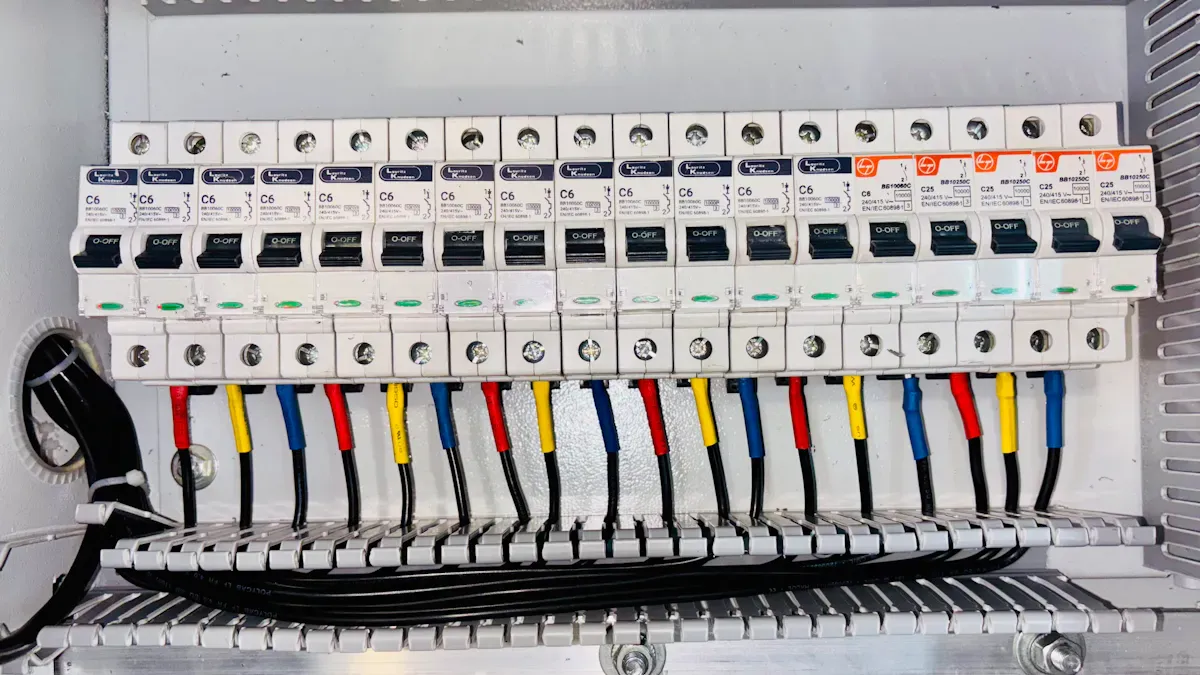
You rely on a Smart Power Distribution Unit to manage power in telecom cabinets. This device goes beyond basic power distribution. It gives you advanced monitoring, analytics, and remote management. You can track power usage in real time and respond quickly to any issues. You save time and money because you do not need to visit sites for manual checks.
You gain peace of mind with fast alarm acknowledgment. You can react to problems in under a minute instead of waiting hours.
You see that a Smart Power Distribution Unit offers predictive solutions. It helps you avoid downtime by detecting hazards early. You can monitor environmental factors like humidity and temperature. Adaptive power management ensures your equipment receives reliable and efficient power.
Feature | Benefit |
|---|---|
Real-time monitoring | Continuous monitoring protects your equipment from failures. |
Remote management | You cut down on site visits and reduce operational costs. |
Fast alarm response | You respond to alarms quickly, minimizing downtime. |
Predictive solutions | You stay ahead of problems and keep your network running smoothly. |
Environmental monitoring | Early detection of hazards allows for quick action. |
Adaptive load balancing | You achieve energy efficiency by adjusting power distribution in real time. |
Mixed Socket Configurations Explained
You often work with diverse equipment in telecom cabinets. Mixed socket configurations let you connect both legacy and modern devices without adapters. You can upgrade your network without rewiring. This flexibility supports your evolving needs.
Aspect | Traditional PDUs | Smart PDUs |
|---|---|---|
Functionality | Basic power distribution | Advanced monitoring and management |
Monitoring | Limited or none | Real-time and environmental |
Management | Manual | Remote and automated |
Scalability | Fixed capacity | Scalable for growth |
Sustainability | Minimal focus | Supports energy efficiency |
ESTEL’s Smart Power Distribution Unit stands out with modular design and surge protection. You can expand your cabinet as your network grows. Outlet-level control and real-time energy monitoring help you optimize efficiency. You protect your equipment from voltage spikes and electrical noise.
You future-proof your telecom cabinet with a Smart Power Distribution Unit. You adapt to new technologies and maintain reliable power for all devices.
Traditional PDU Limitations
Inflexibility for Device Types
You may notice that traditional PDUs often struggle to keep up with the changing demands in telecom cabinets. These units usually come with a fixed number and type of outlets. When you try to add new devices, you find that the PDU cannot support different plug types or increased power needs. This lack of flexibility can slow down your upgrades and limit your options.
A closer look at the main issues shows how inflexible PDUs can affect your work:
Issue | Description |
|---|---|
Scalability | Traditional PDUs have fixed capacity, limiting the ability to expand and integrate new devices. |
Resource Waste | Planning for maximum load can lead to inefficient use of resources. |
Airflow Problems | Crowded racks due to inflexible PDUs can result in poor airflow, affecting device performance. |
You might plan for the highest possible load, but this often leads to wasted resources. When you fill racks with extra outlets that you rarely use, you lose valuable space. Poor airflow becomes a problem as crowded racks trap heat, which can lower the performance of your equipment. You may also find that adding new device types requires adapters or rewiring, which increases complexity and risk.
Tip: When you use a flexible PDU, you can adapt to new devices without major changes to your setup.
Maintenance and Upgrade Challenges
Maintaining and upgrading traditional PDUs can present several challenges. You often face power quality issues, such as voltage fluctuations, which can cause your equipment to malfunction. Physical wear from frequent plugging and unplugging can damage sockets and cables. Environmental factors like dust, humidity, and temperature extremes can shorten the lifespan of your PDU.
Here are some common challenges you may encounter:
Challenge Type | Description |
|---|---|
Power Quality Issues | Voltage fluctuations and harmonic distortions can lead to equipment malfunctions and increased costs. |
Physical Wear | Frequent plugging/unplugging and poor cable management can damage sockets and components. |
Environmental Factors | Temperature extremes, humidity, and dust can affect PDU performance and longevity. |
Energy Inefficiency | Suboptimal PDU operation can increase operational costs and reduce system performance. |
Load Imbalances | Uneven power distribution can cause overheating and potential equipment failure. |
You may spend extra time and money on repairs or replacements. Load imbalances can lead to overheating, which puts your entire network at risk. Energy inefficiency also drives up your operational costs. When you use traditional PDUs, you often need to schedule downtime for upgrades, which can disrupt your services.
Note: Upgrading to a smart PDU can help you avoid many of these maintenance headaches and keep your network running smoothly.
Challenges in Telecom Cabinet Integration
Diverse Power Standards
You face many power standards when you set up telecom cabinets. Each device may require a different voltage, plug type, or current rating. This variety can make integration difficult. You must ensure that every device receives the correct power to avoid damage or downtime.
You often see modular designs in modern telecom cabinets. These designs let you add or swap modules as your power needs change. You can upgrade your system easily. You do not need to shut down the entire cabinet for repairs. This approach saves you money because you can expand gradually instead of making a large investment at once.
Feature | Description |
|---|---|
Modular Design | Allows for the addition or swapping of modules as power needs change. |
Easy Upgrades | Facilitates the installation of new modules to manage more devices or higher loads. |
Less Downtime | Enables repairs without shutting down the entire system. |
Cost Savings | Supports gradual expansion, avoiding large upfront investments. |
Tip: You can use a Smart Power Distribution Unit with mixed socket configurations to handle different power standards in one cabinet.
Space and Management Issues
You often work with limited space in telecom cabinets. Every inch counts. You must fit PDUs, cables, and devices into a small area. Space constraints force you to look for customized PDU solutions. Sometimes, you need to place PDUs in alternative locations to make everything fit.
Airflow is another challenge. Poor airflow can cause overheating. You need PDUs designed for effective cooling. High power density also increases the risk of heat buildup. You must monitor energy use to keep your system safe and efficient.
Factor | Impact on PDU Deployment |
|---|---|
Space Constraints | Limited space in telecom cabinets necessitates customized PDU solutions, often requiring alternative placements. |
Airflow Challenges | Insufficient airflow can lead to overheating, requiring PDUs to be designed for effective cooling. |
High Power Density Requirements | Increased power demands necessitate PDUs with monitoring capabilities to manage energy distribution effectively. |
You can solve many of these problems with smart PDUs. These units offer real-time monitoring and flexible layouts. You keep your cabinet organized and your equipment safe.
Smart Power Distribution Unit Advantages
Cost and Efficiency Benefits
You see immediate savings when you deploy a Smart Power Distribution Unit in your telecom cabinet. Many operators report up to a 20% reduction in energy consumption after switching to smart power solutions. One mid-sized data center saved $50,000 annually by using monitored power distribution units. You gain real-time monitoring, which gives you instant visibility into energy use. You can identify inefficiencies and adjust your setup to optimize performance.
You track energy consumption in real time.
You allocate loads dynamically, preventing equipment overload.
You maintain system stability and reduce unnecessary power waste.
Surge protection shields your devices from voltage spikes. The dehumidifying function protects against moisture, which can cause corrosion or short circuits. These features help you extend the lifespan of both legacy and modern equipment. You avoid costly repairs and downtime.
You maximize operational efficiency and protect your investment with advanced power management.
Remote Monitoring and Control
You manage your telecom cabinet from anywhere with remote monitoring and control. The Smart Power Distribution Unit offers real-time power tracking and outlet management. You respond quickly to issues without visiting the site. You integrate these units with DCIM systems, centralizing your monitoring and reducing the need for physical checks.
Feature | Description |
|---|---|
Real-time power monitoring | You track power usage continuously and spot inefficiencies. |
Remote outlet management | You control individual outlets remotely, allowing fast responses to problems. |
Integration with DCIM systems | You centralize management, cutting down on site visits. |
Environmental monitoring | You monitor temperature and humidity, ensuring optimal conditions. |
Real-time alerts | You receive notifications for power issues, enabling proactive management and minimizing downtime. |
Intelligent monitoring systems let you track power usage in real time. You take immediate action to prevent disruptions. Quick responses to power issues minimize downtime and keep your network reliable. Proactive maintenance becomes easier as you monitor energy use and environmental conditions.
You maintain seamless operations even during emergencies with remote management capabilities.
Futureproofing with ESTEL Solutions
You prepare your telecom cabinet for future needs with ESTEL’s Smart Power Distribution Unit. Scalability lets you adapt quickly to changing power requirements. Modular design allows for faster deployment and incremental upgrades. You grow your system alongside your telecom infrastructure without replacing the entire unit.
Feature | Benefit |
|---|---|
Scalability | You adapt to new power needs and upgrade easily. |
Modular Design | You deploy and upgrade incrementally, keeping your system current. |
Advanced Monitoring Tools | You gain real-time insights for planning future expansions. |
Hot-Swappable Components | You replace parts or upgrade without shutting down your system, ensuring continuous operation. |
Surge protection prevents damage from lightning strikes and power surges. The dehumidifying function stops moisture buildup, extending the lifespan of your equipment and maintaining network reliability. You support both legacy and modern devices, ensuring compatibility as technology evolves.
You future-proof your telecom cabinet and maintain reliable power distribution for all devices.
Implementation Strategies for ESTEL Solutions
Planning and Assessment
You start by assessing the power needs of every device in your telecom cabinet. Make a list of all equipment and record their power consumption. This step helps you avoid overloading the unit and ensures reliable performance. Check the compatibility of the power distribution unit with your existing infrastructure. Calculate the total power required and compare it to the unit’s capacity. Inspect the cabinet for dust and moisture. Clean the area to prevent future problems.
Tip: Label each device and connection for easy identification during maintenance.
Integration with Outdoor Telecom Cabinets
You integrate the unit by following best practices for outdoor environments. Use high-quality cable management tools to extend equipment lifespan. Route power cords along cabinet side braces to keep them organized. Inspect cables regularly for wear or overstretching. Address any issues promptly. Ensure proper grounding to prevent electrical hazards. Maintain a clean workspace during installation for safety. Install the unit at eye level or slightly below for convenient monitoring. Secure the unit using mounting brackets or toolless methods. Label each power cord for easy maintenance.
Wear insulated gloves and safety goggles during installation.
Verify compliance with local electrical codes.
Keep a fire extinguisher rated for electrical fires nearby.
Perform daily monitoring to maintain performance.
Deployment and Optimization
You deploy the unit by mounting it securely and connecting the input power cable. Make sure voltage and current ratings match the requirements. Attach devices to the outlets and power on the unit. Watch the LCD display for startup information. Test each outlet to confirm surge protection and monitoring features work. Use real-time monitoring to track energy use, temperature, and security. Schedule repairs only when needed to reduce unnecessary site visits. Environmental sensors help you prevent failures and ensure optimal operation. Remote management lets you respond quickly to issues, improving uptime and reliability.
Feature | Description |
|---|---|
Real-time monitoring | Tracks energy use and environmental conditions |
Predictive maintenance | Schedules repairs only when needed |
Environmental sensors | Monitors temperature and humidity |
Remote management | Enables fast response to issues |
Redundancy options | Provides backup systems for continuous operation |
Visual reports give you instant insights into cabinet health, helping you make timely maintenance decisions.
You gain several advantages when you use mixed socket power distribution units in telecom cabinets. The table below highlights key benefits:
Benefit | Description |
|---|---|
Adaptability | You connect both new and legacy devices, keeping your cabinet flexible. |
Efficiency | You maintain strong network performance with efficient power distribution. |
Remote Monitoring | You control and monitor conditions in real time, improving reliability. |
Enhanced Reliability | You avoid downtime during upgrades and keep your network running smoothly. |
ESTEL’s solutions help you achieve compatibility and efficiency. You benefit from customizable designs, advanced power conversion, and seamless integration with various devices. Real-time monitoring and load balancing support future readiness.
To evaluate and implement ESTEL products, follow these steps:
Select a unit that fits your cabinet’s needs.
Ensure remote control and clear labeling.
Schedule regular maintenance and check load balancing.
Plan for scalability with modular options.
You secure reliable power distribution and prepare your telecom cabinet for future growth.
FAQ
What is a mixed socket configuration in a Smart PDU?
You get a Smart PDU with different outlet types in one unit. This setup lets you connect both old and new devices without adapters. You keep your telecom cabinet organized and ready for upgrades.
How does remote monitoring help you manage power?
You monitor power use from anywhere. You spot problems early and fix them fast. This reduces downtime and saves you money. You keep your network running smoothly.
Can you use ESTEL’s Smart PDU in outdoor telecom cabinets?
Yes, you can. ESTEL designs Smart PDUs for harsh environments. You get protection from dust, water, and temperature changes. You keep your equipment safe and reliable.
What safety features does the Smart Power Distribution Unit offer?
You get surge protection and a dehumidifying function. These features protect your devices from voltage spikes and moisture. You extend the life of your equipment.
How do you choose the right Smart PDU for your cabinet?
You list all devices and check their power needs. You match the PDU’s capacity to your total load. You pick a model with enough outlets and the right socket types for your setup.
See Also
Ensuring Consistent Power Supply For Telecom Equipment Cabinets
Understanding ESTEL PDUs And Their Importance In Data Centers
Analyzing The Design And Expenses Of Telecom Cabinets
CALL US DIRECTLY
86-13752765943
3A-8, SHUIWAN 1979 SQUARE (PHASE II), NO.111, TAIZI ROAD,SHUIWAN COMMUNITY, ZHAOSHANG STREET, NANSHAN DISTRICT, SHENZHEN, GUANGDONG, CHINA
