Multi-Brand Device Compatibility Verification of Smart Power Distribution Units in Telecom Cabinets

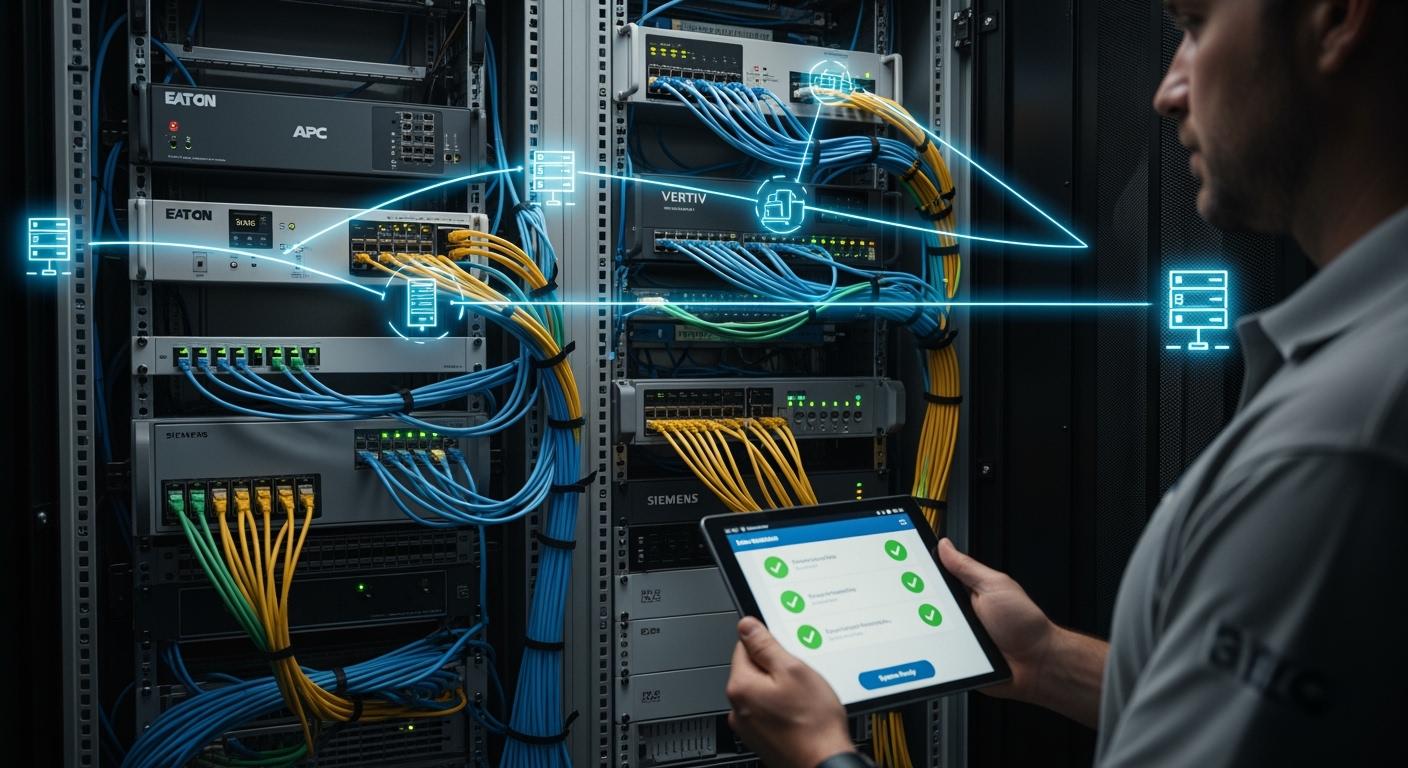
You face significant risks when devices in your telecom cabinet cannot communicate or operate smoothly. Incompatibility can lead to downtime, increased costs, and safety concerns. Careful verification helps you avoid these problems. ESTEL’s focus on quality and innovation gives you reliable solutions. You can achieve seamless integration and high reliability by choosing a Smart Power Distribution Unit that meets international standards and supports multiple protocols.
Key Takeaways
Verify device compatibility by matching specifications like plug types and voltage ratings before installation.
Utilize real-time monitoring to detect issues early, reducing downtime and improving network reliability.
Choose a Smart Power Distribution Unit that supports multiple protocols for seamless integration with various devices.
Implement ongoing monitoring strategies to maintain equipment performance and extend its lifespan.
Document all tests and checks to ensure compliance and facilitate quick troubleshooting in the future.
Smart Power Distribution Unit Basics
Key Functions in Telecom Cabinets
You rely on a Smart Power Distribution Unit to keep your telecom cabinet running smoothly. This device does more than just supply power. It helps you monitor, protect, and manage your equipment. The table below shows the main functions and how they support integration with devices from different brands:
Function | Description |
|---|---|
Enables faster response to issues, enhancing network reliability through early detection. | |
Overload protection | Safeguards devices from power surges, ensuring longevity and stability of multi-brand devices. |
Remote management | Allows for troubleshooting and maintenance without on-site visits, saving time and resources. |
Advanced communication | Supports protocols like Modbus/TCP, SNMPv3, and MQTT for seamless integration with various devices. |
You can see that these features help you avoid downtime and make it easier to add or replace equipment from different manufacturers. Real-time monitoring and overload protection keep your network safe. Remote management lets you solve problems quickly, even if you are not on site. Advanced communication protocols ensure that your Smart Power Distribution Unit works with many types of devices.
ESTEL Product Features Overview
When you choose an ESTEL Smart Power Distribution Unit, you get advanced technology designed for telecom environments. ESTEL uses modular designs, which means you can scale your system as your needs grow. Intelligent monitoring helps you reduce energy waste and respond to maintenance needs faster. Energy management technologies improve efficiency and help you avoid costly downtime.
Feature | Benefit |
|---|---|
Modular designs | Allows for scalability and flexibility in adapting to future needs. |
Intelligent monitoring | Enhances efficiency by reducing energy waste and improving maintenance response times. |
Energy management technologies | Contributes to overall efficiency and reduces downtime in telecom environments. |
You benefit from a product that meets international standards and supports the latest protocols. ESTEL’s focus on quality and innovation ensures that your telecom cabinet stays reliable, even in challenging conditions.
Multi-Brand Compatibility Challenges
Protocol and Interface Differences
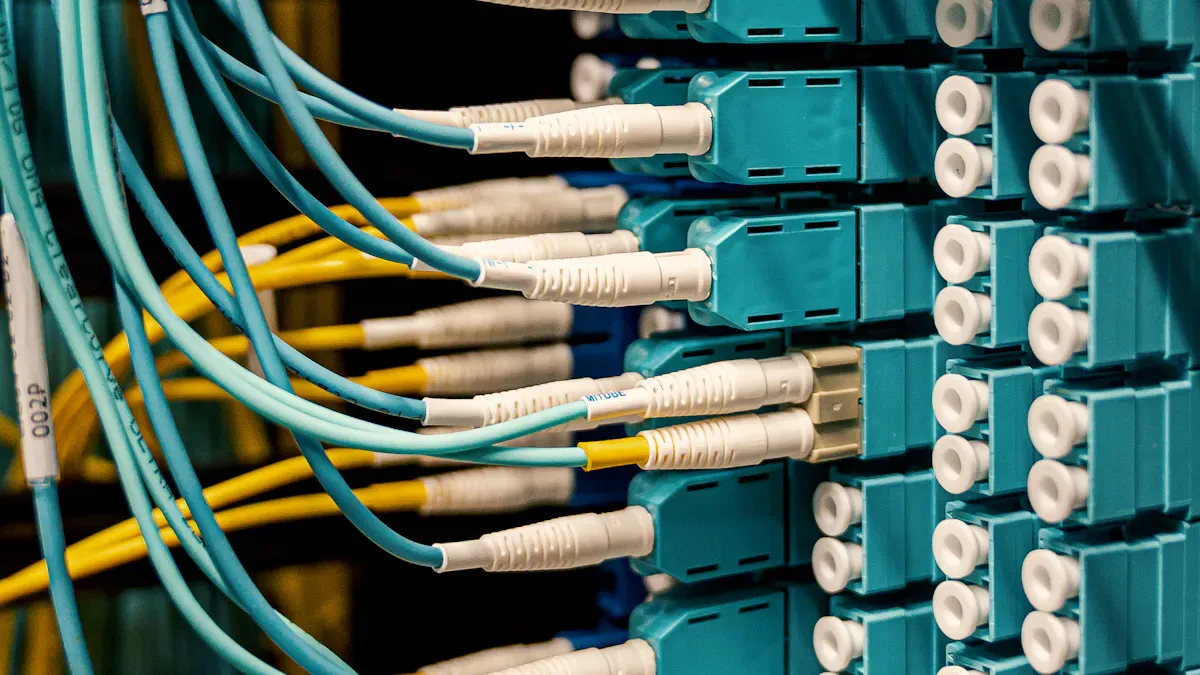
You often encounter a wide range of protocols and interfaces when working with devices from different brands in telecom cabinets. Each manufacturer may use unique communication methods. This can make integration difficult if you do not plan carefully. For example, one device may use SNMP for network management, while another relies on RS485 for serial communication. Some devices connect through Ethernet, while others use USB ports for data transfer.
Here is a table that shows some of the most common protocols and interfaces you will find in Smart Power Distribution Units and telecom devices:
Protocol/Interface | Description |
|---|---|
SNMP | Simple Network Management Protocol, used for network management and monitoring. |
HTTP | Hypertext Transfer Protocol, facilitates communication over the web. |
Ethernet | A common networking technology for local area networks. |
RS485 | A standard for serial communication, often used in industrial applications. |
USB | Universal Serial Bus, used for connecting devices and transferring data. |
You need to check which protocols your devices support before you attempt integration. If you overlook this step, you may face communication failures or limited functionality. Always match the protocol and interface requirements of your Smart Power Distribution Unit with those of your other equipment.
Integration with Existing Systems
You must also consider how new devices will work with your current setup. Many telecom cabinets contain equipment from several brands. Each device may have its own management software, power needs, and communication standards. If you add a new Smart Power Distribution Unit, you need to ensure it can communicate with your existing monitoring systems.
Start by reviewing your current system’s documentation. Identify the protocols and interfaces already in use. Next, check if your new PDU supports these same standards. If you find differences, look for firmware updates or adapters that can bridge the gap. You may also need to update your management software to recognize new devices.
Tip: Keep a detailed inventory of all protocols and interfaces in your cabinet. This helps you avoid surprises during upgrades or maintenance.
By understanding these challenges, you can create a more reliable and efficient telecom environment.
Compatibility Verification Process
Device Specification Matching
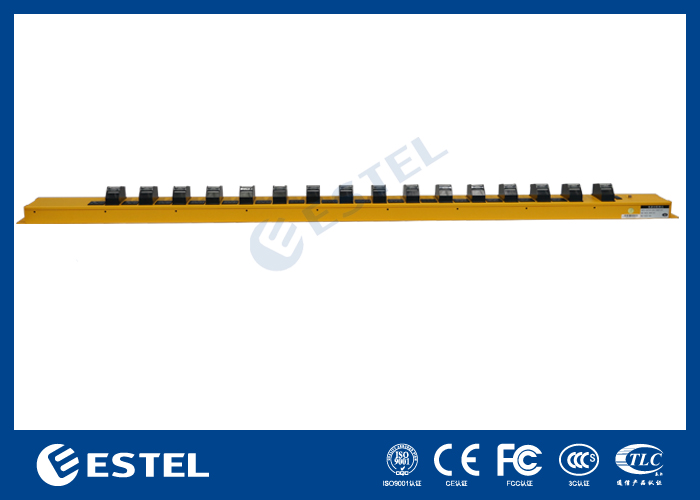
You start compatibility verification by matching device specifications. This step ensures your Smart Power Distribution Unit connects safely and efficiently with all telecom devices. You check the plug type and current rating for each device. Common plug types include IEC60309 and NEMA. You evaluate the types of receptacles, such as IEC320 C13 and C19 outlets. You match outlet types with your equipment’s power cords. For critical equipment, you consider locking mechanisms to prevent accidental disconnections.
Input specifications: Check plug type and current rating.
Output specifications: Match outlet types (C13, C19) with device power cords.
Locking mechanisms: Use for critical equipment to avoid accidental unplugging.
You identify cord types and voltage ratings for your devices. You ensure the Smart Power Distribution Unit supports the required voltage and current for each device. You increase the total number of outlets by 20% to 30% to accommodate future additions and temporary needs.
Issue Type | Description |
|---|---|
Often arise only after installation, leading to unexpected operational failures. | |
Outlet Types | Unique outlet types or plug standards may not match existing equipment, complicating integration. |
Deployment Delays | These mismatches can result in higher costs and longer deployment times. |
You avoid these issues by carefully matching specifications before installation.
Protocol Alignment Steps
You align communication protocols to ensure seamless integration between your Smart Power Distribution Unit and multi-brand telecom devices. You follow a series of steps to achieve protocol compatibility.
Step | Description |
|---|---|
1 | Utilize IEC 61850 standard for interoperability between devices. |
2 | Implement Common Data Classes (CDCs) for abstract data entities. |
3 | Align abstraction information with Manufacturing Messaging Specification (MMS). |
4 | Use Substation Configuration Language (SCL) for device configuration. |
5 | Ensure compliance with latency requirements for effective communication. |
You use tools like QualityLogic 1547.1 Test Tools to automate protocol messaging and manage lab equipment. These tools support communications such as 2030.5 and SunSpec Modbus, which are essential for interoperability tests. You verify that your Smart Power Distribution Unit supports the necessary protocols for your telecom devices.
Physical and Electrical Checks
You perform physical and electrical checks to confirm compatibility. You inspect the physical dimensions of the Smart Power Distribution Unit and ensure it fits within your telecom cabinet. You check the cable plug system and confirm compliance with standards like IEC60309. You verify internal connecting lines, such as 16AWG, 14AWG, and 12AWG copper sticks, to ensure safe and reliable power delivery.
You match the rated voltage and current of the PDU with your devices. You check surge protection features and dehumidifying functions to protect equipment from environmental hazards. You confirm that the installation process is straightforward and that the PDU’s robust build withstands industrial conditions.
Tip: Always document your physical and electrical checks. This helps you track changes and maintain safety standards.
Software and Remote Management Integration
You validate software and remote management integration to achieve centralized control and real-time monitoring. You use vendor-agnostic solutions to ensure compatibility across various telecom devices. You manage power distribution from a single dashboard, which enhances operational efficiency. You monitor power status and environmental conditions for all devices in real time.
Feature | Description |
|---|---|
Vendor-agnostic solutions | Ensures compatibility across various telecom devices, allowing for seamless integration. |
Centralized control | Provides a single dashboard for managing power distribution, enhancing operational efficiency. |
Real-time monitoring | Enables immediate visibility into power status and environmental conditions for all devices. |
Scalability | Allows for easy addition of new devices without compatibility concerns, supporting growth. |
You use smart PDUs to enable proactive management and support green operations. You monitor environmental factors like temperature and humidity to protect equipment and extend its life. Centralized platforms and IoT connectivity give you full control and quick alerts.
Practice | Benefit |
|---|---|
Real-time remote monitoring | Improves maintenance response times by 40% |
Backup power configurations | Increases operational reliability by 25% |
Advanced PDUs | Prevents overloads and downtime |
You ensure reliable power delivery in high-density environments. You support sustainability and proactive management by integrating advanced features from ESTEL’s Smart Power Distribution Unit.
Best Practices with ESTEL Smart Power Distribution Unit
Testing and Validation Tips
You need to test and validate your equipment before deploying it in a multi-brand telecom cabinet. Start by reviewing the compatibility of each device with your Smart Power Distribution Unit. Use industry standards like USB, Ethernet, HDMI, and WiFi to check if your devices connect and communicate properly. You can refer to the table below for common testing services and supported technologies:
Testing Service | Standards/Technologies Supported |
|---|---|
USB2/3/4 & USB Charging IOP | USB standards |
HDMI IOP | HDMI standards |
WiFi IOP | WiFi standards |
Ethernet IOP | Ethernet standards |
Bluetooth IOP | Bluetooth standards |
Zigbee IOP | Zigbee standards |
You should also check mounting brackets and input/output compatibility. ESTEL’s modular design and adjustable mounting brackets help you fit the unit into different cabinet setups. You avoid mismatches by confirming outlet types and voltage ratings. Real-time monitoring capabilities let you validate power usage and device status during testing.
Tip: Document each test result and keep records for future reference. This practice helps you troubleshoot quickly and ensures compliance.
Ongoing Monitoring Strategies
You maintain reliability by using ongoing monitoring strategies. Install monitoring tools to track cabinet conditions and respond to issues quickly. Conduct regular performance checks to ensure your equipment stays reliable and lasts longer. Implement systems that continuously assess cabinet performance and protection.
Use real-time monitoring to detect issues early and reduce downtime.
Apply predictive maintenance to optimize interventions and extend the lifespan of your equipment.
Track energy consumption and environmental conditions for informed decisions.
Manage your cabinet remotely to lower maintenance costs and resolve faults faster.
Aspect | Explanation |
|---|---|
Early Issue Detection | Real-time monitoring identifies problems before failures occur. |
Maintenance Optimization | Predictive maintenance improves accuracy and timing of interventions. |
Energy Monitoring | Tracks energy use and environmental conditions for upgrades and optimization. |
Remote Management | Enables quick fault resolution without physical presence. |
Reliability Features | Built-in safeguards ensure continuous and stable operation. |
You face challenges like integrating with legacy systems and training staff. You solve these by choosing equipment with wide compatibility and advanced monitoring features. ESTEL’s Smart Power Distribution Unit offers modular design, flexible mounting, and real-time insights, making it easier for you to manage multi-brand environments.
You improve multi-brand compatibility by matching device specifications, aligning protocols, and validating software integration. ESTEL’s Smart Power Distribution Unit helps you future-proof your telecom cabinet with modular designs, real-time monitoring, and rapid fault detection. You lower maintenance costs and reduce downtime by using quick-release interfaces and energy-efficient solutions.
Benefit | Measurement |
|---|---|
Lower maintenance costs | 30% |
Downtime reduction | 15% |
Cost savings | Up to 20% |
You prepare for industry trends like 5G-ready cabinets, advanced cooling, and intelligent IoT solutions. Stay proactive and choose scalable, eco-friendly equipment for reliable network performance.
FAQ
How do you check if your devices are compatible with ESTEL’s Smart Power Distribution Unit?
You review the technical specifications for both your devices and the PDU. Match plug types, voltage, and supported communication protocols. If you see differences, consult your device manuals or contact ESTEL for guidance.
Can you integrate ESTEL’s Smart PDU with older telecom equipment?
Yes, you can. ESTEL’s Smart PDU supports common protocols and flexible interfaces. You may need adapters or firmware updates for some legacy devices. Always check your equipment’s requirements before installation.
What remote management features do you get with ESTEL’s Smart PDU?
You access real-time monitoring, remote power control, and environmental data through a centralized dashboard. These features help you manage your telecom cabinet efficiently and respond quickly to issues.
Why is protocol alignment important for multi-brand environments?
Protocol alignment ensures that all devices communicate smoothly. You avoid data loss and operational errors. Use the table below to see common protocols:
Protocol | Use Case |
|---|---|
SNMP | Network monitoring |
Modbus | Industrial control |
HTTP | Web integration |
See Also
Ensuring Consistent Power Supply for Telecom Equipment Cabinets
Exploring Various Applications of Telecom Equipment Cabinets
Essential Specifications for Outdoor Telecom Equipment Cabinets
Comprehensive Guide to Telecom Cabinet Standards by ESTEL
Solar Energy Storage Solutions for Telecom Equipment Cabinets
CALL US DIRECTLY
86-13752765943
3A-8, SHUIWAN 1979 SQUARE (PHASE II), NO.111, TAIZI ROAD,SHUIWAN COMMUNITY, ZHAOSHANG STREET, NANSHAN DISTRICT, SHENZHEN, GUANGDONG, CHINA
