Remote Firmware Gray Update of Smart PDUs: Batch Push to Reduce Upgrade Failure Risks


You lower upgrade failure risks by using remote firmware gray updates with batch push methods. ESTEL’s advanced telecom solutions let you update the Smart Power Distribution Unit in controlled batches. This approach gives you more reliability because you monitor each batch and quickly catch issues. You avoid widespread disruptions and protect critical infrastructure.
Key Takeaways
Use batch push methods for firmware updates to minimize risks and avoid widespread failures.
Always back up device settings and current firmware before starting an update to prevent data loss.
Monitor each batch during updates to quickly identify and address any issues that arise.
Test new firmware in a controlled environment before deploying it to all devices to catch potential problems early.
Implement rollback features to restore previous firmware versions quickly if an update fails.
Remote Firmware Gray Update Explained
Gray Update Process for Smart Power Distribution Unit
You can perform a remote firmware gray update for your Smart Power Distribution Unit by following a clear set of steps. This process helps you minimize risks and maintain device reliability.
Navigate to the settings menu and select the firmware update option.
Click the upload file button and choose the firmware file provided by your vendor.
Wait a few minutes while the update processes.
Restart the device by clicking the reboot button.
Refresh your browser after the device restarts to confirm the update.
You may also use a USB drive for updates. Create a partition and format it with FAT. Make a folder named 'synlink_update' in the root directory. Copy the firmware package into this folder. Plug the USB drive into the PDU’s USB port. Follow instructions on the LCD interface after the update completes.
Tip: Always verify the firmware version after the update to ensure consistency across your devices.
Traditional vs. Gray Update Methods
Traditional firmware updates often require you to update all devices at once. This approach can lead to downtime and widespread issues if something goes wrong. Manual updates take significant time and effort. Missed updates may occur due to oversight or lack of time. Firmware versions can become disparate, increasing security vulnerabilities.
Gray updates use a batch approach. You update a small group of devices first. You monitor their performance and check for issues. If the batch works well, you proceed to the next group. This method reduces risk and helps you catch problems early.
Why Choose Gray Updates
You gain several advantages by choosing gray updates. You avoid network-wide disruptions and contain any issues within a small batch. You reduce the risk of insecure firmware update mechanisms, which can expose your Smart Power Distribution Unit to remote code execution threats. You save time and effort by automating the process and monitoring each batch. Gray updates help you maintain consistent firmware versions and improve security across your infrastructure.
Firmware Upgrade Risks in Smart PDUs
Common Failure Scenarios
You face several risks when you upgrade firmware on your Smart Power Distribution Unit.
The firmware update may fail if the unit loses power during the process. This can cause the device to become unresponsive and enter Recovery Mode.
Sometimes, the device reboots after the upgrade, but the firmware version does not change. This happens if the new firmware is older than the current version.
Tip: Always check the firmware version after each update to confirm success.
Impact on Data Centers and Telecom Sites
Firmware upgrade failures can disrupt your operations. If your Smart Power Distribution Unit becomes unresponsive, you may lose control over power distribution. This can affect servers and network equipment. You risk downtime, which can lead to lost data and interrupted services. Telecom sites depend on reliable power management. Any failure can impact communication and critical infrastructure.
ESTEL’s Approach to Risk Mitigation
ESTEL designs solutions to help you avoid these risks. You get reliable performance and advanced protection with their products. The company uses several strategies to reduce upgrade failures:
Challenge | Solution |
|---|---|
Use an uninterruptible power supply (UPS) to prevent power loss during updates. | |
Compatibility Issues | Verify that the update matches your PDU model and version before installation. |
Configuration Loss | Always back up settings to avoid losing critical configurations. |
You benefit from ESTEL’s focus on quality and innovation. Their Smart Power Distribution Unit supports remote management and monitoring. You can track updates and respond quickly to any issues. ESTEL’s risk mitigation features help you maintain stable operations in demanding environments.
Batch Push for Smart Power Distribution Unit Updates
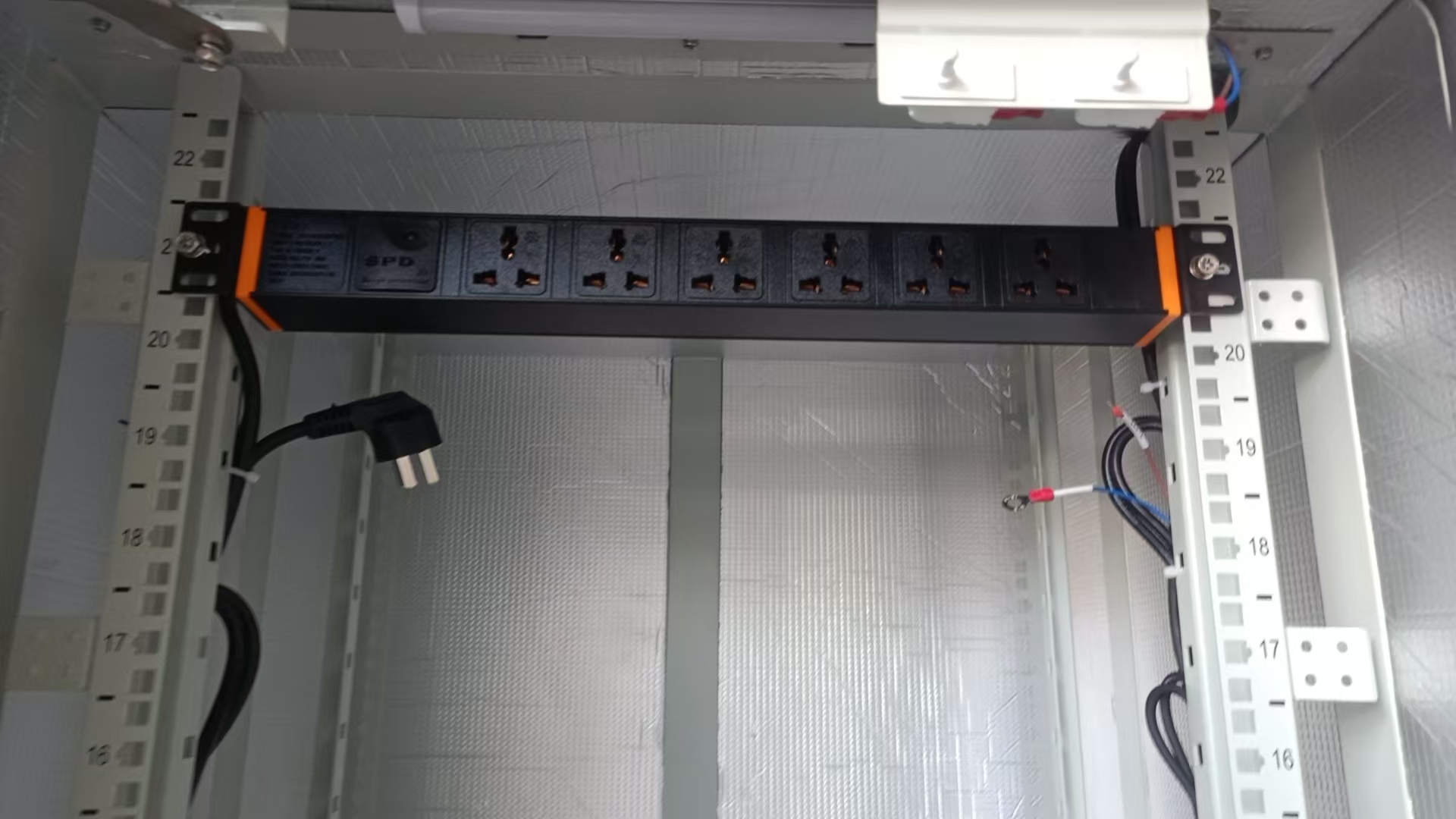
Batch Push Workflow Steps
You can streamline firmware updates for your Smart Power Distribution Unit by following a structured batch push workflow. This method helps you manage multiple devices efficiently and reduces the risk of errors. The process involves several technical steps that ensure each device receives the correct update at the right time. Here is a simplified workflow you can follow:
Step | Description |
|---|---|
1 | Navigate to the Device business object, such as D1-SmartMeter. |
2 | In the Lifecycle tab, broadcast the Active status to prepare devices. |
3 | Deactivate the Periodic Estimation algorithm to prevent conflicts. |
4 | In a batch schedule, add the batch control to run updates at the same cadence as your devices. |
You should always verify each step before moving to the next. This approach minimizes the chance of missing a device or causing a configuration error. ESTEL’s remote management features allow you to perform these steps from a central dashboard, saving you time and reducing the need for on-site visits.
Tip: Always back up your device settings before starting a batch update to avoid data loss.
Device Grouping and Scheduling
You can further reduce risks by grouping your Smart Power Distribution Units based on location, function, or criticality. This strategy lets you target specific sets of devices for updates, making it easier to monitor results and catch issues early. For example, you might group units by data center rack or by network zone.
Once you have your groups, you can schedule updates during low-traffic periods. This timing helps you avoid disruptions to essential services. ESTEL’s remote management system supports flexible scheduling, so you can plan updates for nights or weekends when network activity is low. You can also stagger updates across groups, which gives you time to assess the impact before moving to the next batch.
Note: Staggered scheduling helps you isolate problems and prevents widespread outages.
Automation and Monitoring
Automation and real-time monitoring play a key role in successful batch push updates. You can use ESTEL’s remote management features to automate the entire update process, from deployment to verification. Automation reduces manual errors and ensures consistency across all your Smart Power Distribution Units.
Real-time monitoring lets you track the status of each device during and after the update. You can quickly identify any units that fail to update or show abnormal behavior. Centralized management platforms, such as Nodegrid, make it possible to oversee large numbers of devices from a single interface. These platforms also support out-of-band management, which means you can roll back updates or power-cycle devices even if the main network goes down.
You should monitor several key metrics to ensure your updates do not impact device performance. The table below lists important metrics to watch:
Metric | Description |
|---|---|
Average CPU Utilization | High usage can lead to performance issues and crashes. |
Total Memory Usage | Ensures enough memory for system stability. |
Total Disk I/O | Affects performance of data-intensive tasks. |
Total Network I/O | High usage may cause delays in operations. |
Average Power Consumption | Important for cost and environmental impact. |
Average CPU Temperature | Prevents hardware damage from overheating. |
By automating updates and monitoring these metrics, you can maintain operational efficiency and minimize downtime. ESTEL’s Smart Power Distribution Unit supports these advanced management features, giving you greater control and peace of mind.
Risk Reduction Mechanisms
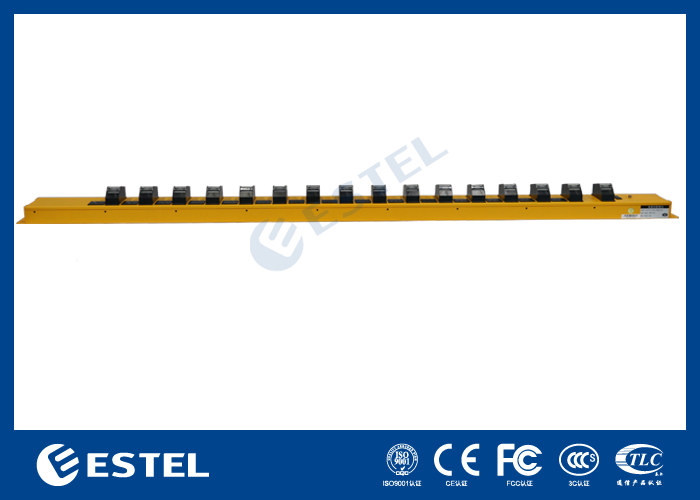
Monitoring and Feedback
You need to monitor your Smart Power Distribution Units closely during firmware updates. Real-time monitoring lets you see how each device responds. You can track temperature, power usage, and system status. If you notice any unusual readings, you can act quickly. Feedback from the system helps you confirm that updates finish successfully. Automated alerts notify you if a device fails to update or shows abnormal behavior. This feedback loop keeps your infrastructure safe and reliable. You can use ESTEL’s remote management features to view reports and receive notifications. These tools help you spot problems before they grow.
Rollback and Containment
When an update fails, you want to limit the impact. Rollback and containment strategies help you recover quickly. The table below shows proven methods that protect your Smart Power Distribution Unit during updates:
Strategy | Description | Advantages |
|---|---|---|
Dual-Bank Firmware Storage | Keeps two firmware copies, one active and one inactive | Enables rollback if an update fails, reducing corruption risks |
Uses backup power during updates | Prevents failures from power interruptions | |
Atomic Writes | Completes each write before starting the next | Lowers the chance of incomplete updates causing device failure |
You can use these strategies to restore your devices to a working state. Dual-bank storage lets you switch back to the previous firmware if something goes wrong. Power loss protection ensures updates finish even if the main power fails. Atomic writes make sure each part of the update completes fully before moving on.
Early Detection Strategies
You can catch problems early by using several smart strategies:
Automated monitoring tracks temperature, humidity, and power usage. You get quick responses to any unusual changes.
Proactive maintenance keeps your devices reliable. Regular updates and security patches reduce risks during firmware upgrades.
Automated alerts send you periodic reports. These highlight inefficiencies and let you take action before issues become serious.
By combining these approaches, you keep your Smart Power Distribution Units running smoothly and reduce the risk of upgrade failures.
Implementation Best Practices & ESTEL Case Example
Planning and Validation
You should always start with a clear plan before updating your Smart Power Distribution Unit. List all devices that need updates. Set goals for the upgrade, such as improving security or adding new features. Use secure bootloaders to check the authenticity of each firmware file. Digital signatures help you confirm that the firmware comes from a trusted source. Cryptographic hashes let you verify that no one has changed the firmware. These steps protect your devices from unauthorized software. Multi-stage bootloader security models add another layer of safety by checking each stage of the update. Always test the firmware in a controlled environment before you deploy it to all units. This process helps you catch problems early.
Tip: Keep a backup of your current firmware and settings. This step lets you restore your system if you find any issues during testing.
Communication and Coordination
You need strong communication to ensure a smooth update process. Inform your team about the planned updates and the schedule. Assign roles so everyone knows their tasks. Use a checklist to track progress. Notify users about possible downtime or changes in device behavior. Good coordination helps you avoid confusion and reduces the risk of mistakes. ESTEL’s remote management tools make it easy to share update status and alerts with your team. You can also use these tools to monitor devices in real time.
ESTEL Case Study: Reduced Failure Rates
A major telecom operator used ESTEL’s Smart Power Distribution Unit in a large data center. The team followed a batch push gray update strategy. They grouped devices by rack and scheduled updates during off-peak hours. The operator used ESTEL’s remote management features to automate the process and monitor each batch. Secure bootloaders and digital signatures ensured only trusted firmware was installed. The result was a significant drop in upgrade failures. The operator reported faster recovery times and improved device reliability. This case shows how careful planning and the right tools can help you achieve safer firmware updates.
Batch push gray updates help you reduce upgrade risks for your Smart Power Distribution Units. You gain better control and avoid widespread failures. To deploy remote firmware gray updates, follow ESTEL’s best practices:
Group devices and schedule updates in batches.
Monitor each batch and use rollback features.
Test firmware in a controlled environment.
Review your current upgrade process. Choose incremental updates with real-time monitoring. This strategy improves reliability and protects your critical infrastructure.
FAQ
What is a remote firmware gray update?
You update your devices in small groups instead of all at once. This method lets you monitor each batch and catch problems early. You avoid widespread failures and keep your Smart Power Distribution Units running smoothly.
How does batch push improve upgrade reliability?
You use batch push to update several devices at a time. This approach helps you control the process and quickly respond to any issues. You reduce the risk of system-wide failures and keep your network stable.
Can I roll back a failed firmware update?
Yes, you can roll back to the previous firmware version if an update fails. ESTEL’s Smart Power Distribution Unit supports rollback features. You restore normal operation quickly and protect your equipment from long outages.
What should I do before starting a firmware update?
Always back up your device settings and current firmware. Test the new firmware in a safe environment. Inform your team about the update schedule. These steps help you avoid data loss and unexpected problems.
See Also
Enhancing Outdoor Cabinet Security Through Intelligent Upkeep
Understanding ESTEL PDUs and Their Importance in Data Centers
Effective Methods to Enhance Anti-Theft Features in Cabinets
Exploring Supervision System Integration for ESTEL Outdoor Cabinets
Innovative and Eco-Friendly Outdoor Cabinets for Future Needs
CALL US DIRECTLY
86-13752765943
3A-8, SHUIWAN 1979 SQUARE (PHASE II), NO.111, TAIZI ROAD,SHUIWAN COMMUNITY, ZHAOSHANG STREET, NANSHAN DISTRICT, SHENZHEN, GUANGDONG, CHINA
