Remote Restart of Smart Power Distribution Units in Telecom Cabinets: Rapid Recovery for Critical Device Downtime

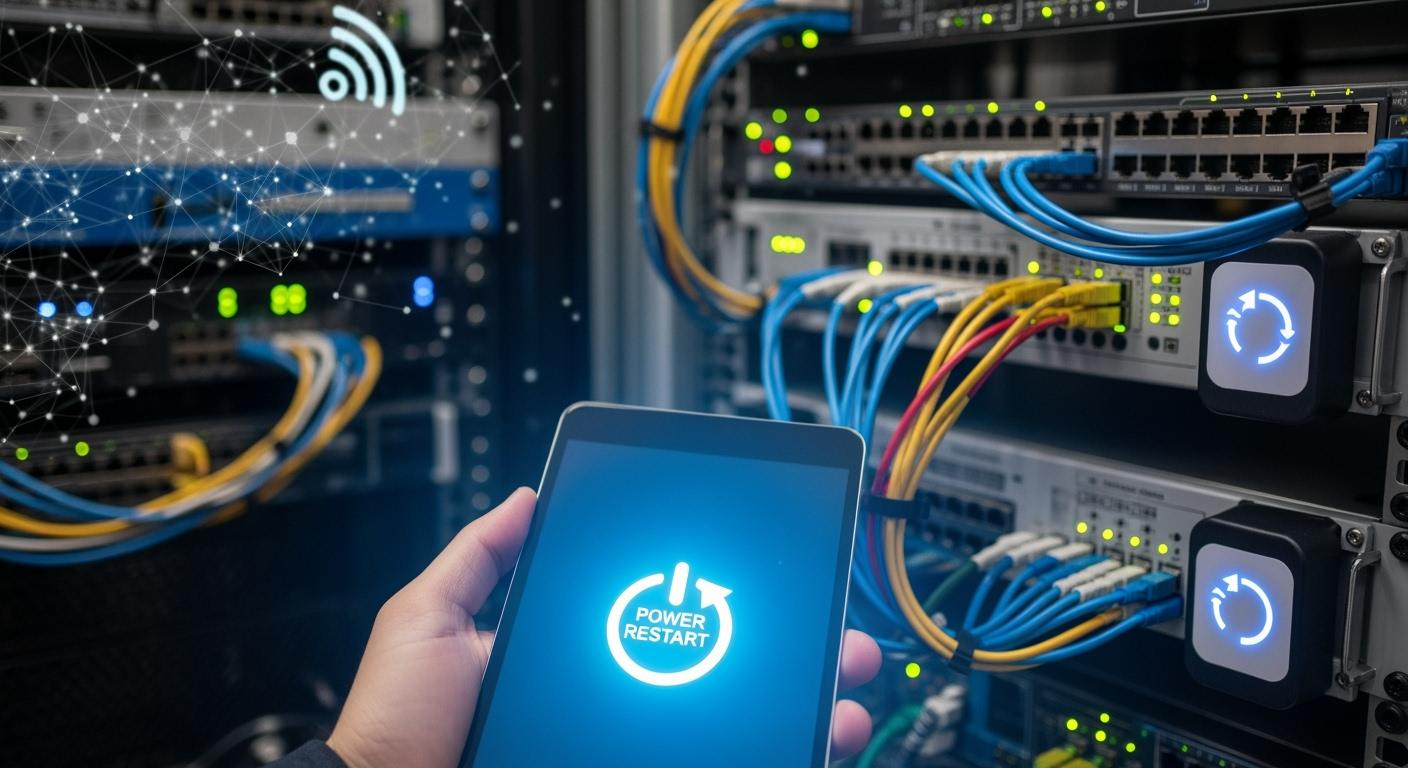
You face downtime nightmares when telecom cabinets lose power unexpectedly. Remote management of your smart power distribution unit helps you minimize downtime quickly and efficiently. You often see power outages cause nearly 33% of network interruptions. Remote restart technology lets you minimize downtime without sending technicians to the site. See the difference remote capabilities make in downtime and site visits:
Emergency Site Visits (per year) | |
|---|---|
12 | 150 |
2 | 40 |
ESTEL delivers solutions that help you minimize downtime and keep your critical devices running. You rely on their commitment to innovation and quality for reliable telecom operations.
Key Takeaways
Remote management of smart power distribution units significantly reduces downtime, allowing for quick recovery without technician visits.
Automated monitoring and alerts help you catch potential issues early, preventing costly outages and ensuring network reliability.
Using remote restart technology can save time and money by minimizing emergency site visits and maintenance costs.
Implementing best practices for deploying smart PDUs enhances equipment protection and improves overall service continuity.
Investing in smart power distribution units leads to better customer satisfaction through improved reliability and reduced downtime.
Downtime Nightmares in Telecom Cabinets

Causes of Downtime
You face downtime nightmares when your telecom cabinets experience unexpected system downtime. Many factors can trigger an outage, and each one can disrupt your network. The most common causes include power failures, human error, network issues, and environmental threats. Review the table below to see how these issues affect your critical IT equipment:
Cause | Description |
|---|---|
Power outages can halt operations instantly, whether due to utility outages or backup generator issues. | |
Human Error | Mistakes such as unplugging cables or misconfiguring systems account for a significant portion of outages. |
Network Issues | Faulty switches or routers can disconnect the data center from the network, halting operations. |
Software/Cybersecurity Attacks | Attacks on software systems can disrupt operations, affecting overall functionality. |
Cooling Issues | Poor cable management can block airflow, leading to heat build-up and increased risk of equipment failure. |
Temperature | Equipment can overheat if not maintained within a controlled temperature range, risking thermal shutdown. |
Humidity | Excess humidity can cause rust and degradation of internal components, leading to potential short-circuiting. |
Water Damage | Leaking water can cause serious damage to IT equipment. |
Airflow Problems | Insufficient airflow can lead to overheating, especially with powerful processors generating more heat. |
Natural Disasters | Events like floods or earthquakes can disrupt network operations and lead to downtime. |
You must monitor these risks to prevent costly outages and protect your network.
Impact on Operations and Service
Downtime affects your operations in many ways. When an outage occurs, users lose access to essential services. You may see productivity losses, customer complaints, and financial setbacks. Service outages can damage your reputation and reduce customer trust. High network availability means less downtime and more reliable service. You need to keep your network running to avoid these problems.
Downtime can result from hardware failures, software issues, human errors, and security threats.
During downtime, you risk losing access to critical IT equipment and essential services.
You must act quickly to restore service and minimize the impact on your business.
Limitations of Manual Recovery
Manual recovery creates challenges and delays when you respond to downtime. You often need to send technicians to remote sites, which increases recovery time and costs. The table below shows common failures and the difficulties you face:
Type of Failure | Description |
|---|---|
Electrical Failures | Voltage spikes from lightning and switching events can damage circuits, leading to erratic behavior. |
Thermal Failures | Excessive heat can cause component breakdown, reducing equipment life and increasing downtime. |
Mechanical Failures | Vibration and poor mounting can lead to mechanical breakdown, requiring regular checks to prevent issues. |
Environmental Failures | Humidity and dust can cause corrosion and intermittent faults, complicating recovery efforts. |
Operational Failures | Incompatible modules and human factors can delay fault detection and recovery, increasing downtime. |
Manual intervention often means longer outages and higher costs. You need smarter solutions to reduce downtime and keep your network reliable.
Smart Power Distribution Unit Solutions by ESTEL
Key Features for Reduced Downtime
You need a smart power distribution unit that delivers telecom-grade reliability and meets international standards. ESTEL’s smart pdus comply with ISO9001, UL, RoHS, CE, and VDE certifications. These standards guarantee quality, safety, and environmental protection. The table below shows how these certifications support your network:
Certification | Description |
|---|---|
ISO9001 | Ensures consistent manufacturing processes for quality assurance. |
UL | Guarantees compliance with electrical safety standards. |
RoHS | Addresses environmental impact and safety. |
CE | Ensures compliance with health, safety, and environmental protection standards. |
VDE | Validates electrical safety and performance standards. |
You benefit from features designed for reduced downtime. Real-time monitoring lets you spot issues quickly. Remote monitoring and remote power controller functions help you manage power distribution without site visits. Surge protection and dehumidifying functions keep your equipment safe and efficient.
Remote Restart and Recovery Capabilities
You can use ESTEL’s smart power distribution unit as a remote power controller in telecom cabinets. Remote restart lets you restore power to devices instantly. You avoid delays and costly technician visits. You manage remote telecom base stations, disaster recovery operations, and high-density cabinets with ease. Remote monitoring and remote management allow you to optimize power distribution and maintain a self-healing network. You keep your network running even during emergencies.
Restore power during disaster recovery operations.
Monitor and optimize power in high-density telecom cabinets.
Intelligent Monitoring and Alerts
You rely on real-time monitoring and remote monitoring to protect your network. ESTEL’s smart pdus provide continuous monitoring of power, temperature, and humidity. You receive alerts for voltage drops, humidity spikes, and power surges. Customizable alerts let you set thresholds for critical events. Real-time power monitoring helps you act before failures occur. Maintenance teams use these alerts to prevent service interruptions and keep your equipment safe.
Type of Alert/Monitoring Data | Description |
|---|---|
Real-time Monitoring | Ensures telecom teams are aware of critical events as they happen. |
Customizable Alerts | Set thresholds for temperature, humidity, power fluctuations, and security breaches. |
Threshold Alerts | Focus on relevant incidents to avoid alert fatigue. |
Tip: Continuous monitoring and fast notifications give you peace of mind, knowing your telecom equipment is protected.
How Remote Restart Enables Rapid Recovery
Automated Detection and Power Cycling
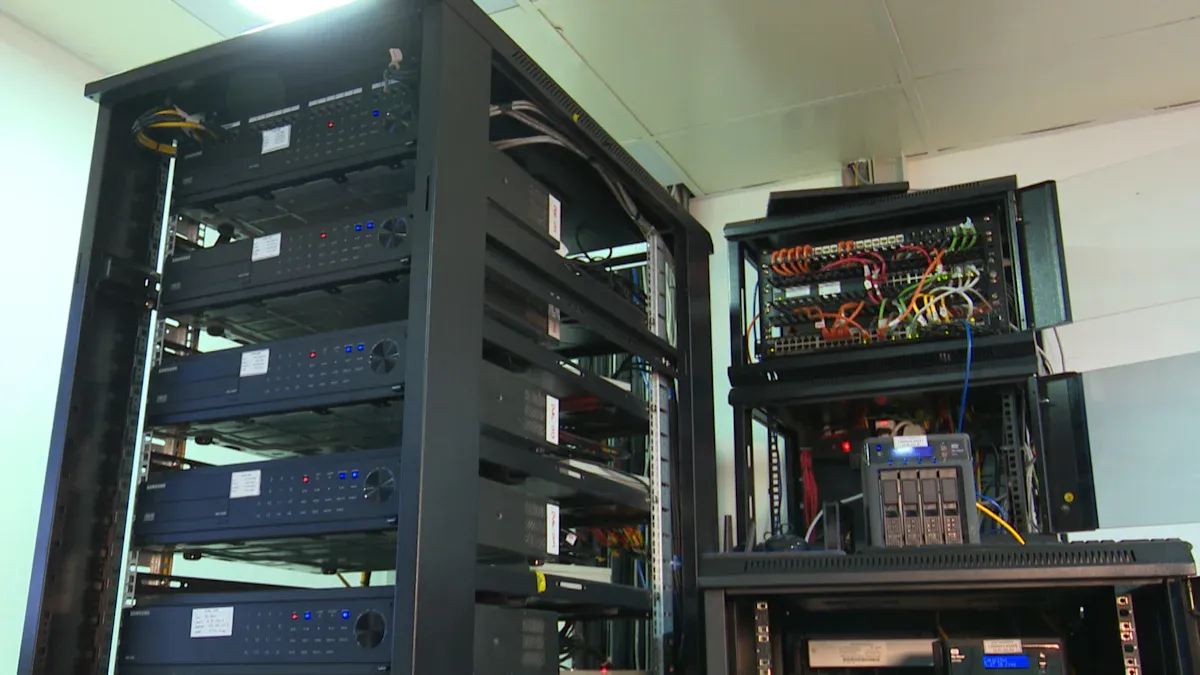
You face downtime when telecom cabinets lose power or experience faults. Automated detection systems in smart power distribution units help you identify issues instantly. These systems use continuous monitoring to track voltage, temperature, and humidity. You receive alerts when thresholds are exceeded. You can use remote power control to check the status of your equipment without visiting the site.
Remote power reboot technology allows you to respond quickly. You can trigger remote power cycling to restart devices and restore service. Automated reboots reduce the risk of prolonged downtime. You avoid manual troubleshooting and minimize delays. Remote power control gives you the ability to manage multiple cabinets from a central location. You keep your network stable and reliable.
Tip: Automated monitoring and remote power reboot features help you catch problems early and act before downtime affects your customers.
Step-by-Step Recovery Process
You can use remote power reboot to recover devices in telecom cabinets. The process is simple and efficient. You follow these steps to restore service:
You initiate a remote power reboot using remote control software.
The device performs a software reset and starts at the secondary bootloader.
The secondary bootloader checks which firmware image is running and looks for an upgrade flag.
If no image runs, the device enters an idle state.
If the upgrade flag is missing, the bootloader runs the current firmware image.
The system calculates the checksum of the new code and compares it to the expected value.
If the checksums match, the device updates the running image.
If they do not match, the device continues with the current image.
You use remote power control to complete these steps without sending technicians to the site. Remote power cycling helps you restore service quickly. You reduce downtime and improve recovery rates. Automated reboots make the process faster and more reliable.
Comparison: Manual vs. Automated Recovery
You see major differences between manual and automated recovery methods. Manual recovery requires technicians to travel to the site, diagnose the problem, and restart devices. This process takes hours or even days. Automated recovery uses remote power reboot and remote power control to restore service in minutes.
You benefit from automated reboots and remote monitoring. Automated systems reduce human error and speed up recovery. You rely on remote power cycling to minimize downtime. The table below shows how automated recovery compares to manual recovery:
Aspect | Automated Recovery | Manual Recovery |
|---|---|---|
Predictive Maintenance | Reduces unexpected disruptions by 80% | N/A |
Mean Time to Repair | 3.1 hours | 4.8 hours |
Emergency Repairs | Reduced by 25% | N/A |
Maintenance Costs | 7% of traditional systems | N/A |
Battery Lifespan | 10 years | 2 years |
You save time and money with remote power control and remote power reboot. Automated recovery improves network reliability and reduces operational costs. You keep your telecom cabinets running with fewer site visits and less downtime.
Note: Automated recovery and remote power cycling help you maintain high service levels and customer satisfaction.
Business Benefits of Reduced Downtime
Lower Maintenance and Site Visit Costs
You can prevent downtime and reduce your maintenance expenses by deploying ESTEL smart power distribution units in your telecom cabinets. These units allow you to use remote monitoring and control, which means you do not need to send technicians to distant sites as often. You save money and time with fewer emergency visits and less manual troubleshooting. Predictive maintenance features help you prevent downtime before it happens, lowering your costs even further.
Many operators report a 20–25% reduction in annual energy costs after switching to smart PDUs. You also see maintenance costs drop by up to 40% when you use predictive features. These savings help you invest in other areas and improve your overall efficiency.
Enhanced Reliability and Customer Satisfaction
You improve reliability and business continuity when you use ESTEL smart power distribution units. These units help you prevent downtime by providing enhanced uptime and equipment protection. You can use remote power cycling to restore service quickly, which keeps your network running smoothly. Load balancing features distribute power evenly, preventing overloads and extending equipment lifespan.
Feature | Benefit to Telecom Providers |
|---|---|
Minimizes downtime, ensuring uninterrupted service | |
Improved Equipment Protection | Protects sensitive equipment from power disturbances |
Load Balancing | Prevents overloads and extends equipment lifespan |
You keep your customers satisfied by maintaining service continuity and preventing downtime. High reliability leads to better customer feedback and stronger trust in your network.
Selecting and Deploying ESTEL Smart Power Distribution Units
You need to follow best practices when you select and deploy ESTEL smart power distribution units. These steps help you prevent downtime and maintain business continuity:
Assess current and future power needs for your telecom cabinets.
Confirm energy efficiency and monitoring features to support remote management.
Check compliance with safety standards to protect your infrastructure.
Implement remote power control at the outlet level for efficient management.
Use clear naming conventions for each PDU and outlet for quick identification.
Ensure strong network security features to safeguard your equipment.
Schedule regular checks to verify load balancing and prevent downtime.
Perform routine maintenance to extend equipment lifespan and continuity.
You can prevent downtime and maximize your investment by following these guidelines. ESTEL smart power distribution units give you the tools to maintain business continuity and support your network’s growth.
You can achieve minimized downtime and rapid recovery by using remote restart features in smart power distribution units. ESTEL’s solutions give you reliable remote control, real-time monitoring, and fast response to outages. You save money and improve network reliability. Take time to review your current power management. Consider ESTEL’s Smart Power Distribution Unit for a future-proof telecom setup. For more details, visit the ESTEL website or contact their team.
FAQ
What is a Smart Power Distribution Unit (PDU)?
A Smart PDU helps you manage and distribute power in telecom cabinets. You use it to monitor, control, and protect your equipment. It supports remote management and real-time alerts.
How does remote restart work?
You trigger a remote restart using software or a web interface. The Smart PDU cycles power to the device. You restore service without sending technicians to the site.
What safety features does ESTEL’s Smart PDU offer?
You get surge protection, dehumidifying functions, and real-time monitoring. These features help you protect your equipment from electrical faults and environmental risks.
Can you monitor power usage remotely?
Yes, you can view power usage data from anywhere. The Smart PDU provides real-time monitoring and alerts. You track voltage, temperature, and humidity to keep your network safe.
See Also
Ensuring Consistent Power Supply for Telecom Cabinet Systems
Solar Energy Storage Solutions for Telecom Cabinet Power
Calculating Power Systems and Battery Needs for Telecom Cabinets
CALL US DIRECTLY
86-13752765943
3A-8, SHUIWAN 1979 SQUARE (PHASE II), NO.111, TAIZI ROAD,SHUIWAN COMMUNITY, ZHAOSHANG STREET, NANSHAN DISTRICT, SHENZHEN, GUANGDONG, CHINA
