Smart PDU Overcurrent Protection Made Simple for Telecom Cabinets

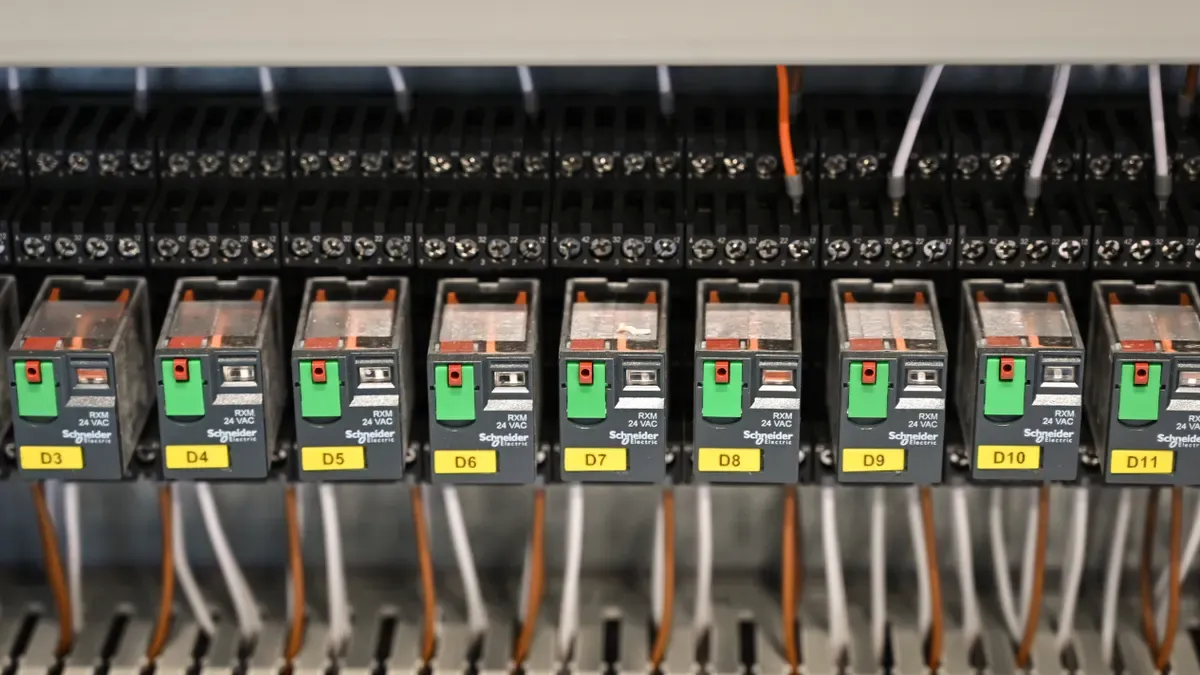
You set device-specific overcurrent thresholds in a smart PDU by matching each threshold to the power profile of the equipment plugged into that outlet. Servers, switches, routers, and cooling units draw power differently, so a single shared limit either trips too early or protects too loosely. Tune each threshold to its device, and you stop false trips without weakening protection.
This guide gives you a simple, step-by-step method. You will identify device power profiles, configure thresholds in the PDU, and verify the results with monitoring data. Follow the same sequence in any telecom cabinet, and you can repeat it across your sites with confidence.
Key Takeaways
Match each outlet's threshold to the device's power profile to prevent false trips.
Set alert thresholds below trip points to get early warnings before problems occur.
Verify settings with monitoring data and adjust as needed for reliable protection.
Repeat the process across cabinets to maintain consistent protection site-wide.
Why Differentiated Protection Matters
The Cost of False Trips
A nuisance trip looks small at first. One cabinet goes dark, one site drops offline, and one crew gets dispatched. Multiply that across a network, and the cost becomes structural. Field operations already consume 60%–70% of a telecom operating budget, so every avoidable visit hurts.
The numbers behind false trips are sobering. Roughly 1 in 4 dispatches is unnecessary or a follow-up, and 17%–25% of truck rolls end in "No Fault Found." A single truck roll costs $150 to $1,000 or more, depending on distance, labor, and complexity. Each failed first visit triggers 1.6 extra trips on average, and the industry first-time fix rate sits near 75%.
"One incident looks operational. Hundreds become structural: longer restoration, avoidable truck rolls, SLA exposure, higher cost every week."
You can cut this waste. Teams using proactive monitoring report 40% faster mean time to repair, 30% fewer repeat truck rolls, and 35% better SLA compliance. Good overload prevention starts with thresholds that match reality.
The Risk of Uniform Settings
A single shared breaker setting suits simple branch-level power distribution and basic overload protection. It is cheap, predictable, and easy to maintain. Device-specific thresholds fit better where equipment profiles vary widely, which describes most telecom environments.
Uniform limits ignore how devices actually behave. A cooling unit's startup surge can exceed a server's steady draw by a wide margin. Set one limit for both, and you either trip on the cooling unit's inrush or leave the server loosely protected against overloads.
Smart PDUs close this gap. These intelligent PDUs monitor per-outlet values and generate alerts when readings exceed configured thresholds. That alerting layer sits above basic branch protection and catches potential overloads before a breaker opens. An intelligent PDU therefore gives you both physical protection and early warning, which uniform settings alone cannot provide.
Device Types and Power Profiles in the Power Distribution Unit
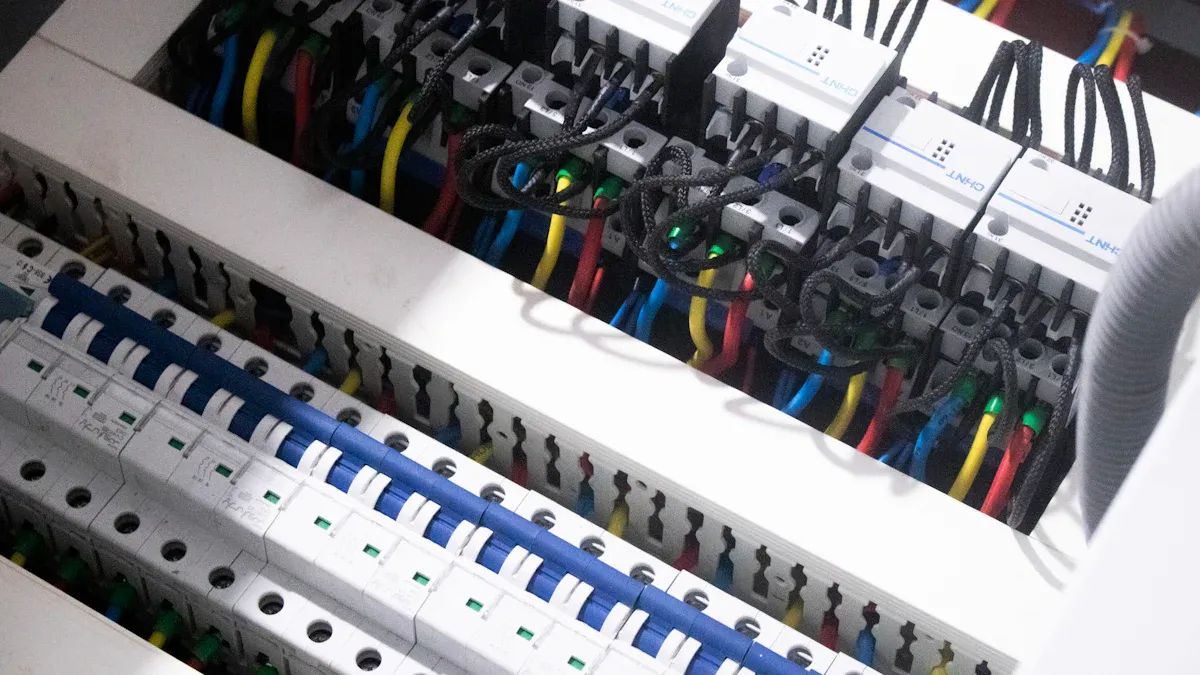
Servers, Switches, and Routers
Servers draw a steady current during normal operation. Their power demand rises gradually as workloads increase. Startup behavior stays relatively calm compared with motor-driven equipment. You will see a modest inrush as power supplies charge, then the device settles into its running profile.
Switches and routers follow a similar pattern. Their steady-state draw is low and predictable. Startup inrush is brief and small. These devices rarely stress a power distribution unit during normal cycling. Their profile makes them good candidates for tighter thresholds that catch genuine overload conditions early.
Cooling Units and Other Equipment
Cooling units behave very differently. Their compressors and fans create a startup current far above normal running levels. The table below summarizes the key behavior you should plan for.
Parameter | Value / Behavior | Condition |
|---|---|---|
Startup current (BLDC compressor) | 3–5× steady-state running current | Lasts 1–2 seconds during startup |
Duty cycle (micro AC unit) | Approaches 100% | Ambient temperatures above 50°C |
That startup surge lasts only a moment, but it can trip a threshold set too close to the running load. The duty cycle matters too. In hot conditions, a cooling unit may run almost continuously, so its peak load becomes a sustained condition rather than a brief event. Other cabinet equipment with motors or compressors shows similar behavior. Plan thresholds around these startup and duty patterns, and your rack power distribution unit will protect cooling equipment without nuisance trips.
Setting Smart PDU Thresholds Step by Step
Identify Device Power Profiles
Start with the nameplate. Every device lists its rated watts on the hardware label or datasheet. That figure becomes your bootstrap power value when you connect the device to an outlet. You can override it manually if the nameplate looks conservative for your deployment.
Then watch what the device actually draws. The smart PDU polls connected equipment over SNMP at a configurable interval, and each poll records observed power draw. Compare the two values side by side.
Power profile attribute | How it is identified | Source of value |
|---|---|---|
Bootstrap power | Defaults to the nameplate watts of the hardware model; can be overridden manually | Hardware model nameplate data |
Power draw | Amount drawn at the last SNMP poll of the PDU; polling interval configurable | Measured telemetry via SNMP polling |
Provisioned power is the committed limit — the sum of limits in force, where a node provisioned at its nameplate TDP may draw that much. Observed power is what systems actually draw. It is almost always lower, because real workloads rarely hold every component at its ceiling. That gap is your headroom, and capacity planning must account for it.
Configure and Verify Thresholds
Set configurable thresholds to trigger early warnings on your most critical conditions. Use current draw exceeding 80% of rated capacity as an overcurrent alert threshold. The 80% rule is a widely adopted electrical safety standard. It accounts for inrush spikes at power-on, prevents nuisance breaker trips, and reduces overheating risk for wiring and connectors. Where quick resets matter, choose resettable circuit breakers instead of fuses — you restore circuit protection in seconds rather than replacing hardware.
Verification follows a fixed sequence:
Record the relay model, firmware, active setting group, CT ratios, curve type, and instantaneous settings. Verify I/O mapping so you know which output is trip and which is alarm. Decide what evidence you will retain for audits.
Validate the instantaneous pickup threshold by injecting just below and just above it. Confirm operation time and reset behavior. This exposes a wrong CT ratio, wrong units, or a wrong active group.
Test the time-overcurrent element at roughly 1.5–2× pickup, a mid-range point, and a higher point. Compare expected against measured operating time across repeated runs.
Perform a controlled functional trip. Prove the relay drives the trip circuit and the breaker responds. Confirm the auxiliary contact status change and the SCADA indication.
Verify that protection device status signals and analog values appear at the correct locations. Build a signal and location test grid to check marshalling, wiring, and indication behavior during commissioning.
Intelligent PDUs support remote monitoring and alarming, so intelligent PDUs let you confirm alerts without standing at the rack. Document every setting and every test result. Real-time monitoring and alerting help teams detect overload conditions, failing circuits, or environmental problems before they cause unplanned downtime. Monitor at the inlet, outlet, and breaker levels so heavy loads surface early, before breakers trip. That layered power monitoring turns a one-time configuration into a repeatable process for every cabinet you commission.
Alerting and Per-Outlet Power Monitoring
Setting Alert Thresholds
Per-outlet power monitoring shows you which device draws more than its profile predicts. A server that once sat well below its nameplate rating may creep upward as workloads grow. You catch that drift at the outlet level, long before a breaker reacts.
Set alert thresholds below trip thresholds, so operators get warned before a trip occurs. A 16A PDU benefits from two staged limits.
Alert Level | Load Threshold | Example for 16A PDU | Purpose |
|---|---|---|---|
Warning | 70% load | 12A | Early notice before current rises too high |
Critical | 85% load | 14A | Second buffer before upstream breaker trips |
Default capacity is 80% per NEC, with alerts beginning at 70% to warn of approaching capacity. In a redundant PDU configuration, recalculate thresholds by dividing by 2 — roughly a 35% warning and 40% limit — so enough capacity remains to carry the load if the other PDU fails over. Only a few thresholds are enabled by default, so verify and enable the ones you need. Apply them at inlet, branch, or outlet level for current, voltage, power, and energy.
Using Monitoring Data to Refine Settings
Your first settings are a starting point, not a final answer. Review recorded fault data — current waveforms, voltage profiles, timing sequences — and run post-event analysis. Trends across events reveal where a threshold sits too tight or too loose.
Adaptive threshold settings driven by generator loading, ambient temperature, and grid stability indices recalibrate limits to actual operating conditions. Machine learning trained on historical fault data learns precursor patterns and enables predictive alerts 2–5 seconds before a threshold breach. Monitoring of current waveforms, temperature, and vibration feeds early-warning signals back into refinement.
Smart PDUs with remote management let technicians adjust and review settings without site visits. That remote access pairs well with outlet-level control and real-time power metrics, so your protection strategy improves with every event you review.
A Simple Configuration Example with ESTEL
Threshold Settings for a Typical Cabinet
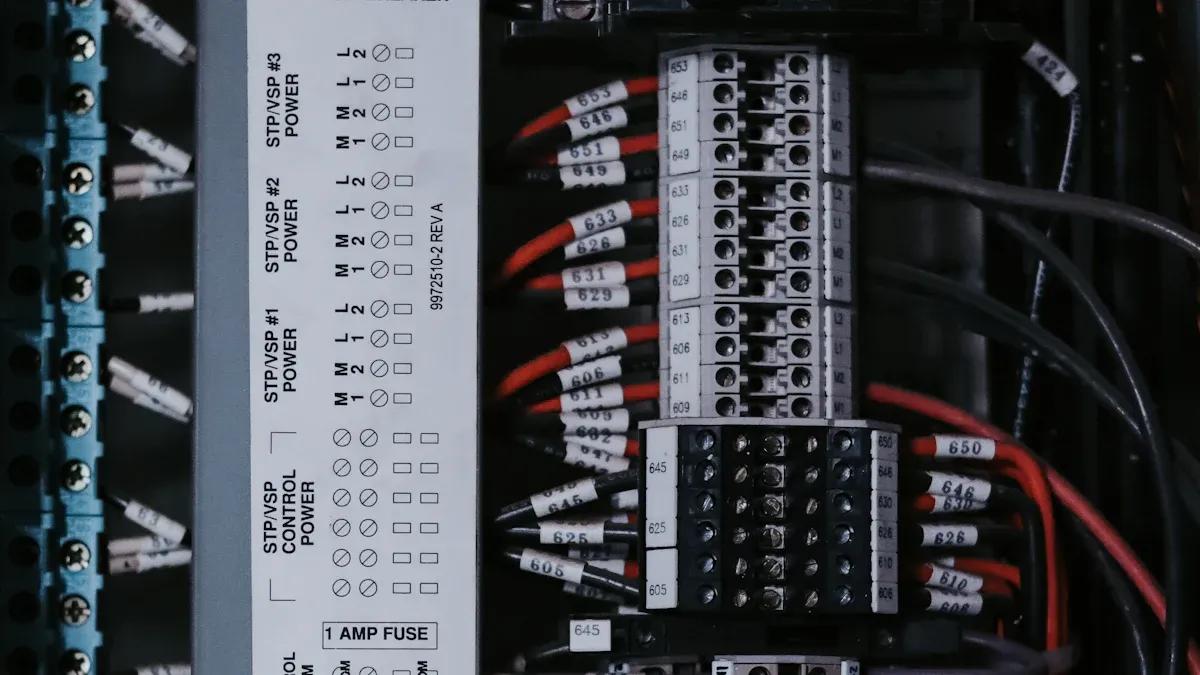
The ESTEL Smart Power Distribution Unit gives you a practical platform for this method. It accepts a maximum input current of 16A, comes in configurations from 8 to 19 outlets, and includes an LCD display, remote management, surge protection, and a dehumidifying function. Those features cover both overcurrent and surge protection in one chassis.
Picture one cabinet holding two servers, one switch, one router, and one cooling unit. You assign each device its own threshold, scaled to the 16A ceiling. The table below shows the concept.
Device | Startup Behavior | Suggested Threshold | Alert Level |
|---|---|---|---|
Server | Modest inrush, steady draw | 80% of rated capacity | 70% warning |
Switch | Brief, small inrush | 80% of rated capacity | 70% warning |
Router | Brief, small inrush | 80% of rated capacity | 70% warning |
Cooling unit | 3–5× running current for 1–2 seconds | Above startup peak | 85% critical |
The cooling unit needs the widest margin. Its compressor pulls several times its running current at startup, so a tight limit trips on every cycle. The servers, switch, and router tolerate tighter settings because their profiles stay calm. Keep the sum of all thresholds under the 16A input so the total load never crowds the feed.
Checking Results with ESTEL Smart PDU Tools
Verification starts at the unit itself. Read the LCD display and compare live readings against your configured values. Confirm each outlet reports the draw you expect from its device profile.
Then move to remote monitoring. The intelligent PDU reports per-outlet data to your management console, so you can review trends without a site visit. Watch the cooling unit through several startup cycles. Its peak should stay below the trip point every time. Check the servers during peak workload hours and confirm their draw holds under the alert level.
Adjust any threshold that proves too tight or too loose, then document the final settings. The rack power distribution unit now carries a protection scheme tuned to its actual equipment. Repeat the same steps on the next cabinet, and your maximum load current limits stay consistent across the site.
You now have a simple method. Match each threshold to its device type, configure the values in the smart PDU, and verify the results with monitoring data. This approach keeps protection tight where equipment allows it and loose where startup surges demand room.
Start with one cabinet. Watch its current readings for a few weeks, adjust any threshold that proves too tight, and document the final settings. Then repeat the process across your sites. Each cabinet you tune adds confidence, and your intelligent pdu becomes a repeatable tool for keeping every load within safe limits.
FAQ
How do I choose the right threshold for each device?
Start with the nameplate rating, then compare it against observed draw. Servers, switches, and routers tolerate tighter limits near 80% of rated capacity. Cooling units need room above their startup peak, which can reach 3–5× running current for 1–2 seconds.
How do I stop a cooling unit from tripping the PDU on every startup?
Set that outlet's threshold above the compressor's startup peak. The surge lasts only a moment, but a tight limit treats it as an overload. Keep the total of all thresholds under the 16A input so the combined load never crowds the feed.
Why set alerts below trip thresholds?
Alerts warn you before a breaker opens. A warning at 70% load and a critical alert at 85% give two buffers ahead of the trip point. Your intelligent pdu then flags rising current early, and you fix the cause before downtime starts.
How do I confirm the settings actually work?
Read the LCD display and compare live readings against your configured values. Then review per-outlet data through remote management across several startup cycles and peak hours. Document the final settings, and repeat the check on every cabinet you commission.
See Also
Ways to Safeguard Equipment Using an Outdoor Telecom Cabinet
Methods for Guaranteeing Reliable Power Supply in Telecom Cabinets
Solar Energy Storage Power System Designed for Telecom Cabinets
Exploring Outdoor Communication Cabinets and Their Telecom Industry Role
Complete Guide for Telecom Cabinet Wiring and Choosing Cables
CALL US DIRECTLY
86-13752765943
3A-8, SHUIWAN 1979 SQUARE (PHASE II), NO.111, TAIZI ROAD,SHUIWAN COMMUNITY, ZHAOSHANG STREET, NANSHAN DISTRICT, SHENZHEN, GUANGDONG, CHINA
